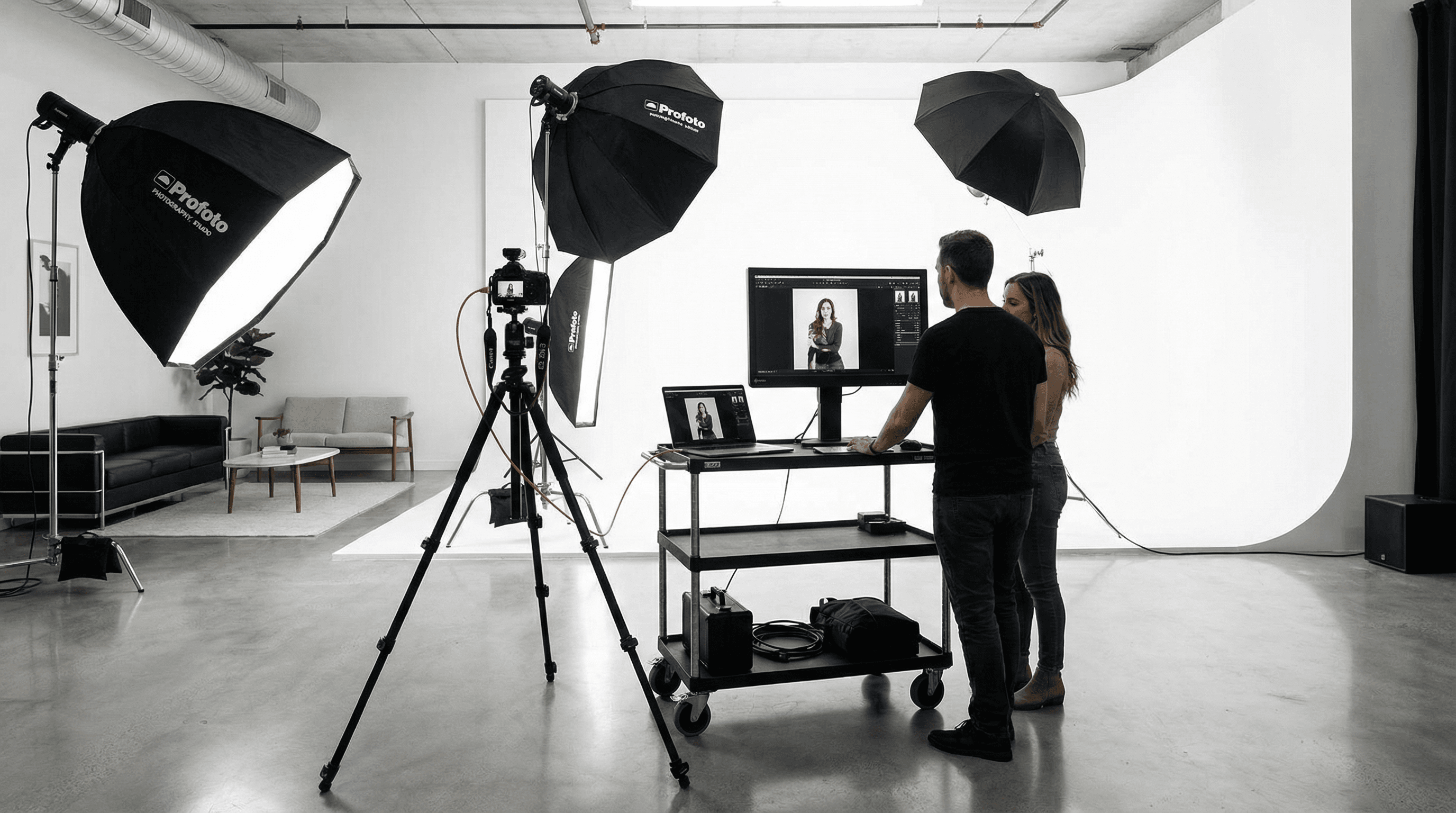
Photography studios use video capture for client preview displays, tethering workflows, and product photography. When the source is HDMI from a camera or display, a reliable USB capture device ensures the feed reaches your software and monitors without dropouts or colour shifts-because "it looked different on the big screen" is not a conversation you want to have with a client.
Studio Workflows
Client preview often involves sending the camera view to a large display so the client can see the shot in real time. If that feed is HDMI, a USB capture device can bring it into the tethered shooting software or a separate preview app. Product photography and catalog work can similarly benefit from a stable HDMI capture path for monitoring and recording-whether you're shooting stills with an HDMI feed for the client or capturing video for lookbooks and social. The key is consistency: same colour, same framing, no surprises when you review later.
- Client preview – HDMI from camera or monitor to capture device for display or recording. One cable, one device, one less thing to troubleshoot.
- Camera tethering – Complement tethering with a clean video feed for preview or streaming. Keep the tether for control and files; use capture for the big screen.
- High-quality capture – Preserve colour and detail for professional workflows. FPGA-based processing avoids the compression and colour drift that cheap dongles can introduce.
Multi-Display and Recording
Some studios run a preview to the client and a separate record path for B-roll or behind-the-scenes. One HDMI source can be split and sent to a display and a capture device; or use two sources (e.g. camera and a second angle) with two Magewell devices for a simple two-camera setup. The flexibility is there-you design the workflow, the hardware just passes the signal through cleanly.
Next Steps
See Photography Studio for more. Browse USB Capture or contact StreamKit for advice on matching a device to your camera and software.