Share Your Message with the World
Live streaming church services, worship events, and conferences to YouTube, Facebook, and streaming platforms. Volunteer-friendly and reliable.
Ministry Use Cases
Extend your reach and impact through professional video streaming.
Sunday Service Live Streaming
Broadcast your worship services live to members who can't attend in person. Reach shut-ins, travelers, and those exploring your church online.
Multi-Camera Worship Production
Create professional worship experiences with multiple camera angles. Capture wide shots, close-ups of worship leaders, and presentation screens.
Special Events & Conferences
Stream baptisms, weddings, funerals, Christmas services, Easter celebrations, and church conferences to extended family and online congregation.
Sermon Archives & Discipleship
Build a sermon library for on-demand viewing. Create discipleship content, Bible studies, and training materials for your congregation.
Built for Ministry
Reliable, affordable, and volunteer-friendly solutions for churches.
Volunteer-Friendly Operation
Simple plug-and-play design means volunteers can run your stream without technical training. Focus on ministry, not troubleshooting.
Multi-Platform Streaming
Stream simultaneously to YouTube, Facebook Live, church website, and mobile apps. Reach your congregation wherever they are.
Budget-Conscious Pricing
Professional quality at prices churches can afford. No monthly fees or subscriptions-purchase once and use forever.
Reliable Every Sunday
Hardware-based processing ensures your stream runs smoothly every service. No software crashes or technical difficulties during worship.
Simple Setup for Volunteers
Get your church streaming in under an hour-no technical expertise required.
Connect Your Cameras
Plug in your worship camera, presentation laptop, and any other video sources via HDMI. Multiple devices can feed into your streaming software.
Connect to Streaming Computer
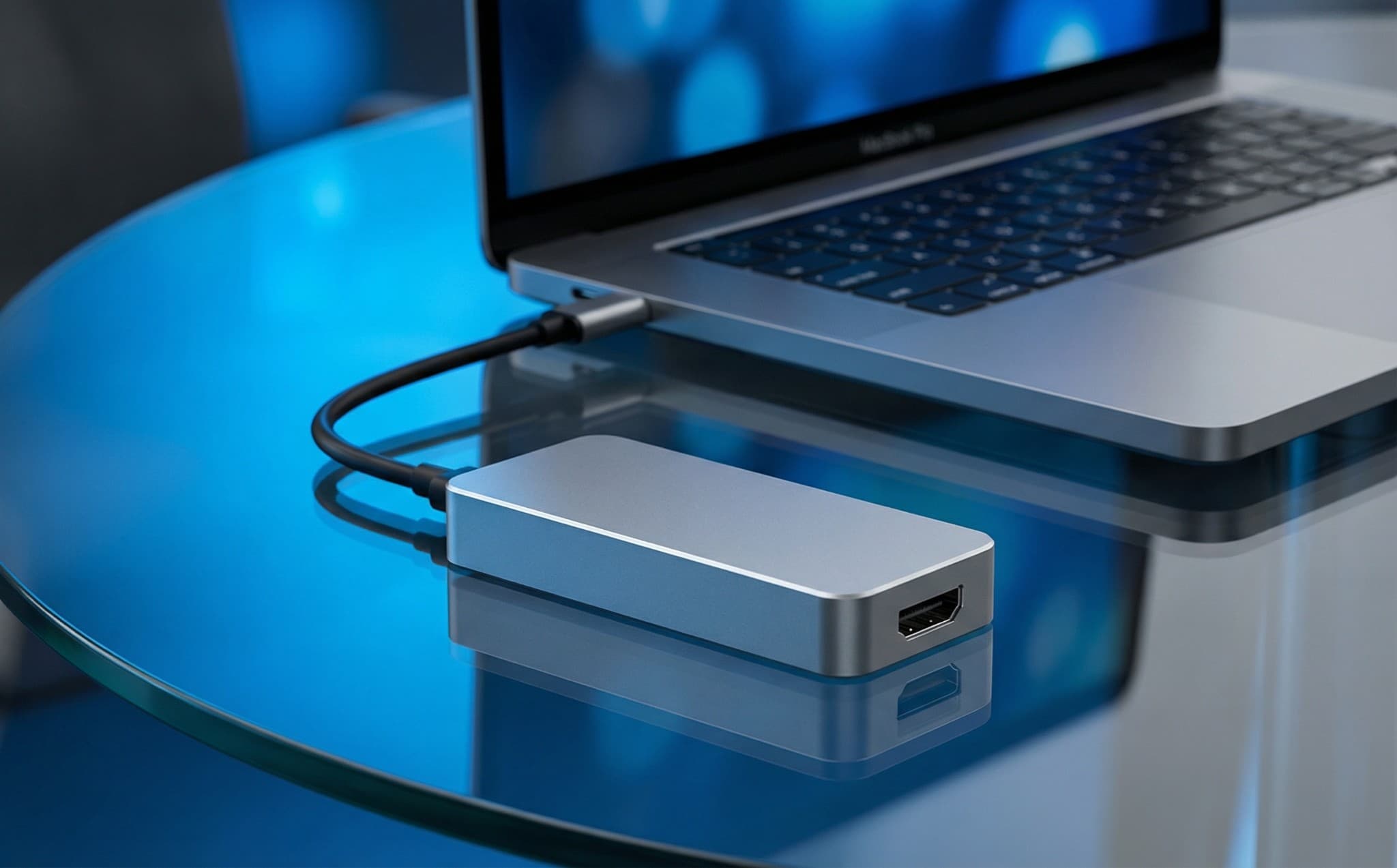
Attach USB cable to your church's streaming PC or laptop. Device appears instantly as a webcam-volunteers can operate it easily.
Open Streaming Software
Launch OBS, vMix, or church-specific streaming software. Add Magewell device as video source. Configure your scenes and transitions.
Go Live for Worship
Start your stream to YouTube or Facebook. Monitor audio levels and switch camera angles as needed. Archive for later viewing.
Recommended for Churches
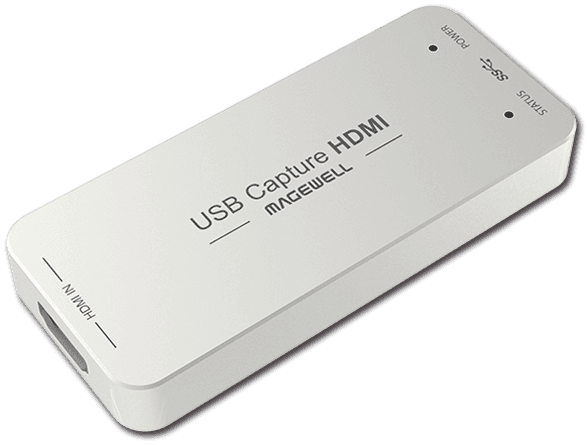
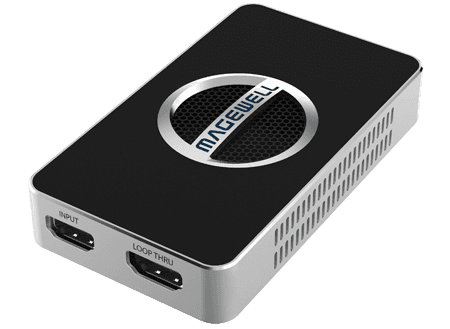
Affordable capture devices perfect for worship streaming and ministry.
Need Help with Your Church Stream?
We offer special ministry pricing and can help you set up professional streaming for your church.