Magewell USB Capture Devices
Every Magewell USB capture device compared. Which input type you need, what loop-through actually means, why FPGA processing matters, and exactly which model to buy for your workflow and budget.
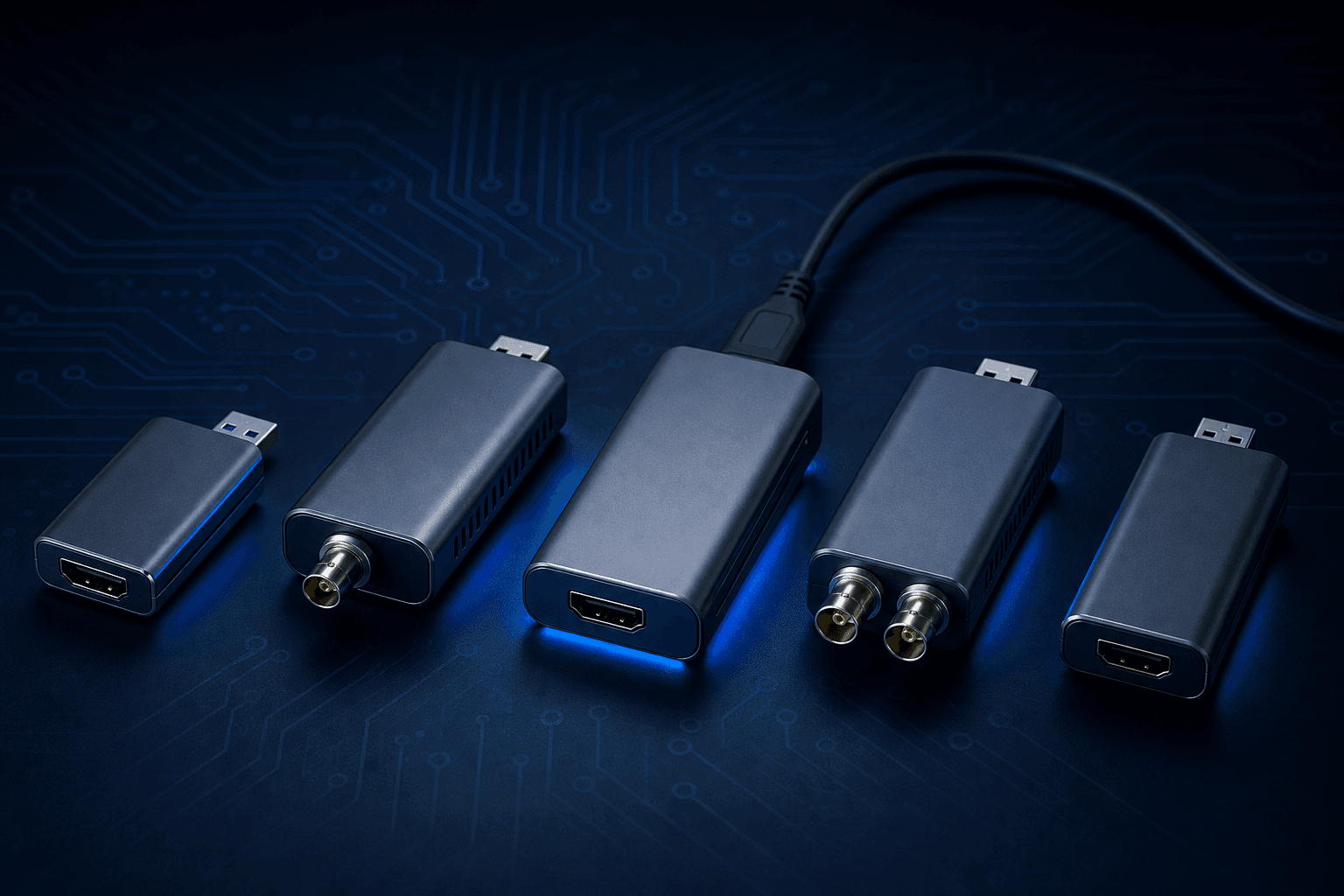
What is a USB capture device?
A USB capture device converts a video signal into a USB stream that your computer treats as a webcam. Plug your HDMI camera, SDI broadcast camera, or laptop output into one end. Plug a USB cable into your computer. Your streaming software, video conferencing app, or recording tool sees it instantly, no drivers, no configuration.
The reason professionals choose Magewell over cheap alternatives comes down to one thing: FPGA processing. Every Magewell USB capture device contains a dedicated Field-Programmable Gate Array chip that handles all video processing onboard — scaling, deinterlacing, colour conversion, frame rate conversion — entirely on the device itself. Your computer's CPU does nothing. Cheap capture cards do this in software, which loads your CPU, causes dropped frames, and introduces latency.
This is why Magewell devices are used in hospitals, broadcast facilities, universities, and major live events worldwide. When reliability and consistency matter, FPGA processing is non-negotiable.
Zero CPU usage
FPGA processes everything onboard. Your computer stays free.
No drivers needed
UVC/UAC standard means instant recognition on any OS.
3-year warranty
Every unit backed by Magewell's full manufacturer warranty.
UK delivery £9.99
In stock in the UK. Ships next business day.
All Magewell USB capture devices compared
Every model currently stocked by StreamKit in the UK. Prices shown ex VAT. VAT added at checkout.
| Device | Price (ex VAT) | Max Resolution | Input | Loop-through | Audio I/O | Best for |
|---|---|---|---|---|---|---|
| USB Capture HDMI Gen 2 | £231.05 | 1080p60 | HDMI | — | — | Streamers, content creators, Zoom |
| USB Capture HDMI Plus | £287.00 | 1080p60 | HDMI | Gaming, streaming with local monitoring | ||
| USB Capture SDI Gen 2 | £233.33 | 1080p60 | 3G-SDI | — | Broadcast cameras, live events | |
| USB Capture SDI Plus | £277.25 | 1080p60 | 3G-SDI | Live events with external audio mixing | ||
| USB Capture DVI Plus | £335.00 | 1080p60 | DVI/VGA/HDMI | Medical imaging, legacy systems | ||
| USB Capture AIO | £375.00 | 1080p60 | 7 formats | — | AV integration, rental, mixed sources | |
| USB Capture HDMI 4K Plus | £385.65 | 4K60 | HDMI 2.0 | 4K gaming, content creation, medical 4K | ||
| USB Capture HDMI 4K Pro | £415.00 | 4K60 | HDMI 2.0 | Professional 4K production, max fidelity | ||
| USB Capture SDI 4K Plus | £385.65 | 4K30 | 6G-SDI | 4K broadcast cameras, film production | ||
| USB Capture SDI 4K Pro | £441.67 | 4K60 | 12G-SDI | 12G-SDI broadcast, OB van, sports |
All prices ex VAT. VAT added at checkout. UK delivery £9.99 ex VAT. 3-year manufacturer warranty on all hardware.
HDMI or SDI: which input type do you need?
This is the first question to answer. The wrong input type means the wrong device entirely. Read our full HDMI vs SDI guide for a deep dive, or use this summary.
Choose HDMI if...
- Your source is a consumer or prosumer camera with HDMI out
- You're capturing from a gaming console (PS5, Xbox, Switch)
- Your source is a laptop, PC, or HDMI presentation source
- Cable runs are under 15 metres
- You work in streaming, content creation, education, or conferencing
- Budget matters and you want the entry-level option
HDMI models from StreamKit:
Choose SDI if...
- Your camera has a BNC SDI output (broadcast or professional camera)
- You need cable runs longer than 15 metres (SDI supports up to 330m)
- Connectors must lock and cannot accidentally disconnect
- You work in broadcast, live events, sports, or OB production
- Your signal passes through a broadcast router or switcher
- You need to embed audio from an external mixing desk
SDI models from StreamKit:
Which device is right for your use case?
Find your workflow below. Each recommendation is based on the actual specifications that matter for that application.
Live streaming and content creation
Most popularDriver-free, zero CPU, works instantly with OBS, Streamlabs, and every streaming platform. The most popular Magewell USB device worldwide.
USB Capture HDMI Gen 2£231.05Gaming and Twitch/YouTube streaming
RecommendedThe HDMI loop-through lets you play on your TV with zero lag while OBS captures every frame. Built-in audio jacks for commentary.
USB Capture HDMI Plus£287.00Zoom, Teams, and video conferencing
Zoom certifiedZoom-certified. Appears as a webcam in any conferencing platform instantly. Replace your built-in webcam with a professional camera output.
USB Capture HDMI Gen 2£231.054K content creation and production
4K604K60 via HDMI 2.0. Loop-through for local monitoring. Integrated mic and headphone jacks. The device that shipped your first order.
USB Capture HDMI 4K Plus£385.65Broadcast cameras and live events
Broadcast3G-SDI with 150m cable equalisation and active loop-through. Locking BNC connectors. The professional's choice for camera ingest.
USB Capture SDI Gen 2£233.33Live events with external audio
Events proSDI loop-through plus 3.5mm line-level audio input. Embed the soundboard mix directly into your capture stream. No separate audio interface needed.
USB Capture SDI Plus£277.25Medical imaging and surgical capture
Medical gradeAccepts DVI and VGA from medical equipment with loop-through to keep the primary clinical display active. Widely used in hospitals worldwide.
USB Capture DVI Plus£335AV integration and mixed signal environments
7 inputs7 input types in one device: HDMI, 3G-SDI, DVI, VGA, Component, Composite, S-Video. One unit covers any signal you encounter on site.
USB Capture AIO£375.0012G-SDI 4K broadcast and OB
Top specTrue 4K60 via 12G-SDI. Backward compatible with all SDI standards. The most capable USB SDI capture device available anywhere.
USB Capture SDI 4K Pro£441.67Understanding the naming: Gen 2 vs Plus vs 4K Plus vs 4K Pro
Magewell's naming is consistent once you understand the pattern.
The base capture device. HDMI or SDI input, USB output, FPGA processing. No loop-through, no audio jacks. Compact and bus-powered. The right choice if you only need to get video into your computer.
Adds a loop-through output (HDMI or SDI) so you can monitor locally while capturing. Adds 3.5mm audio jacks for embedding external audio or connecting a headset. Same resolution as Gen 2.
Steps up to 4K resolution. HDMI 2.0 or 6G-SDI input. Includes loop-through and audio I/O. The HDMI variant captures 4K at 60fps; the SDI variant captures 4K at 30fps. The most popular 4K entry point.
Magewell's newest generation of USB capture hardware. Enhanced FPGA processing engine with improved colour accuracy, noise handling, and throughput. The HDMI Pro does 4K60 from HDMI 2.0; the SDI Pro does 4K60 from 12G-SDI.
Quick rule: If you need loop-through or audio jacks, choose Plus. If you need 4K, choose 4K Plus or 4K Pro. If you have a mixed-signal environment, choose the USB Capture AIO. Still unsure? Read our detailed buying guide.
4K USB capture: Plus vs Pro explained
Four devices capture 4K. Here is exactly how they differ. For the full comparison, read our 4K Plus vs 4K Pro guide.
| Device | Input standard | Max 4K frame rate | FPGA generation | Price (ex VAT) | Best for |
|---|---|---|---|---|---|
| HDMI 4K Plus | HDMI 2.0 | 4K60 | Standard | £385.65 ex VAT | 4K gaming, content creation |
| HDMI 4K Pro | HDMI 2.0 | 4K60 | Enhanced (latest gen) | £415 ex VAT | Professional production, max colour accuracy |
| SDI 4K Plus | 6G-SDI | 4K30 | Standard | £385.65 ex VAT | 4K SDI broadcast cameras |
| SDI 4K Pro | 12G-SDI | 4K60 | Enhanced (latest gen) | £441.67 ex VAT | 12G-SDI 4K60 broadcast, OB van |
Frequently asked questions
What is a USB capture device?
Do Magewell USB capture devices need drivers?
What is the difference between HDMI and SDI capture?
Which Magewell USB capture device should I buy?
What does loop-through mean on a capture device?
Can I use a Magewell USB capture device with OBS Studio?
What is FPGA processing and why does it matter?
What is the difference between the HDMI 4K Plus and HDMI 4K Pro?
Do Magewell USB capture devices work on Mac?
Can I capture 4K with a USB capture device?
Authorised UK Magewell Reseller
StreamKit is listed by Forefront Imaging, the exclusive UK Magewell distributor. Every device we sell is genuine UK-sourced stock with full manufacturer warranty and UK technical support.
- UK delivery £9.99 ex VAT on every order
- 3-year manufacturer warranty on all hardware
- UK-based technical support
- Genuine stock via the authorised UK supply chain
- Next business day despatch on in-stock items
Related guides and comparisons
HDMI vs SDI Capture: Which Do You Actually Need?
The full technical and practical breakdown of when to use HDMI and when to use SDI, with real-world examples.
Magewell HDMI 4K Plus vs 4K Pro: Which Should You Buy?
Both capture 4K60 via HDMI 2.0. The difference is in the FPGA generation and colour processing. Here's which one you actually need.
Best USB Capture Card UK 2026: The Honest Guide
We've tested them. The Magewell range compared to the alternatives, with an honest recommendation for each budget and use case.