Professional Capture for Creators & Streamers
Elevate your YouTube, Twitch, or content production with professional-grade HDMI capture. Multi-camera workflows, zero-latency passthrough, and plug-and-play OBS compatibility.
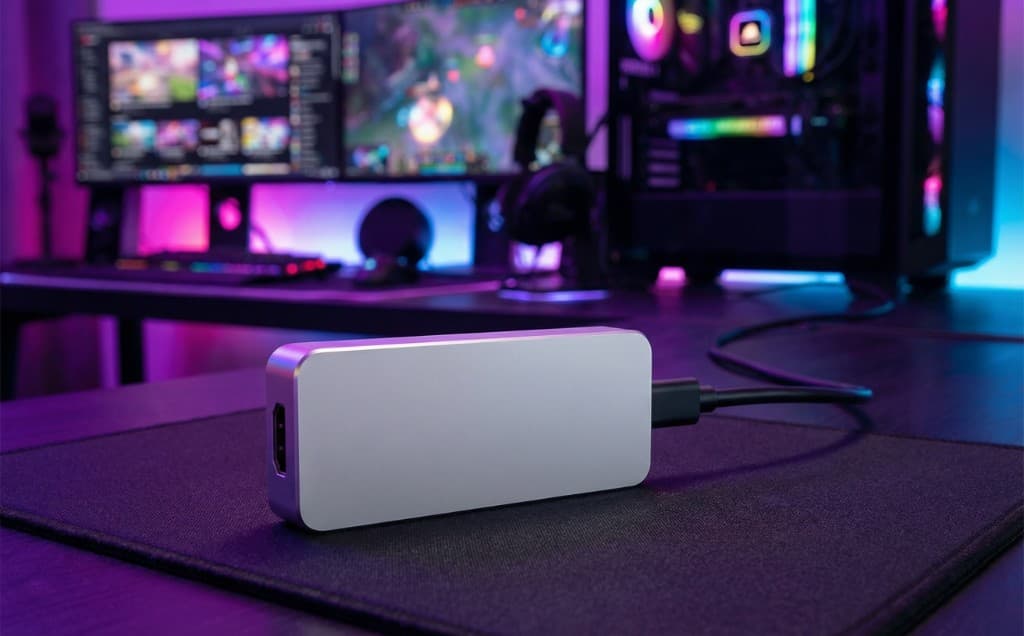
Common Use Cases for Creators
From live streaming to gameplay capture, professional USB capture devices unlock endless creative possibilities.
Multi-Camera Live Streaming
Capture multiple camera angles simultaneously for professional YouTube and Twitch productions. Switch between DSLR, webcam, and screen capture seamlessly in OBS or vMix.
Gameplay Capture & Commentary
Record PS5, Xbox, Switch, or PC gameplay with face cam overlay. Zero-lag passthrough ensures no input delay while capturing at 1080p60 or 4K60.
Interview & Podcast Recording
Capture guest feeds from remote interviews, Skype calls, or in-studio cameras. Perfect for podcast video recordings and collaborative content.
Product Review Videos
Demonstrate tech products, software, or devices with direct HDMI capture. Show exactly what's on screen without quality loss or screen recording lag.
Why Creators Choose Magewell
Professional features that make the difference between amateur and broadcast-quality content.
Zero-Latency Passthrough
HDMI loop-through output lets you monitor your camera or game on a separate display with absolutely no delay-critical for live streaming and gaming.
Multi-Device Compatibility
Works instantly with OBS Studio, Streamlabs OBS, vMix, XSplit, Wirecast, and every major streaming/recording platform. No driver installation needed.
Hardware Encoding
Built-in FPGA processing offloads video encoding from your CPU, ensuring smooth streaming even on mid-range systems. Your PC stays free for gaming and effects.
4K60 Downscaling
Capture 4K sources and downscale to 1080p60 in hardware for optimal streaming quality. Maintain broadcast-grade image quality without performance hits.
Getting Started is Simple
From unboxing to going live in under 5 minutes-no technical expertise required.
Connect Your Camera or Console
Plug your DSLR, mirrorless camera, or gaming console into the capture device via HDMI. Use the loop-through port for a monitor if needed.
Connect to Your Computer
Attach the USB 3.0 cable from the capture device to your PC or Mac. The device is instantly recognized-no drivers or software installation required.
Open Your Streaming Software
Launch OBS, Streamlabs, vMix, or any capture software. Add the Magewell device as a video source and start streaming or recording immediately.
Go Live
Start your stream to YouTube, Twitch, Facebook, or record locally. Enjoy zero-lag performance and broadcast-quality video capture.
Recommended for Content Creators
Handpicked capture devices perfect for streaming, recording, and content production.
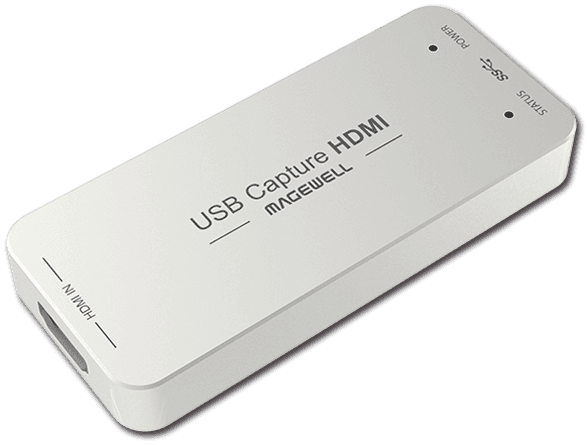
USB Capture HDMI Gen 2
Perfect for single-camera streamers. 1080p60 capture with loop-through and OBS compatibility.
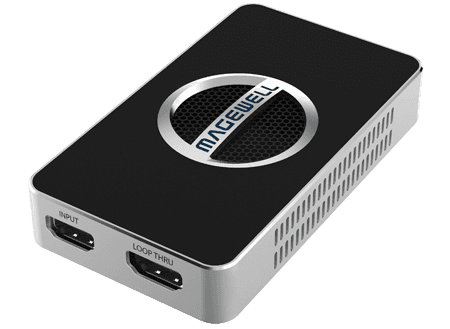
USB Capture HDMI 4K Plus
Professional 4K60 HDR capture for high-end content creators and multi-camera setups.
Ready to Level Up Your Content?
Get expert advice on choosing the right capture solution for your streaming or content creation workflow.