Transform Learning with Professional Video
Lecture capture, distance learning, and online course creation for universities, schools, and e-learning platforms. Compatible with all LMS platforms.
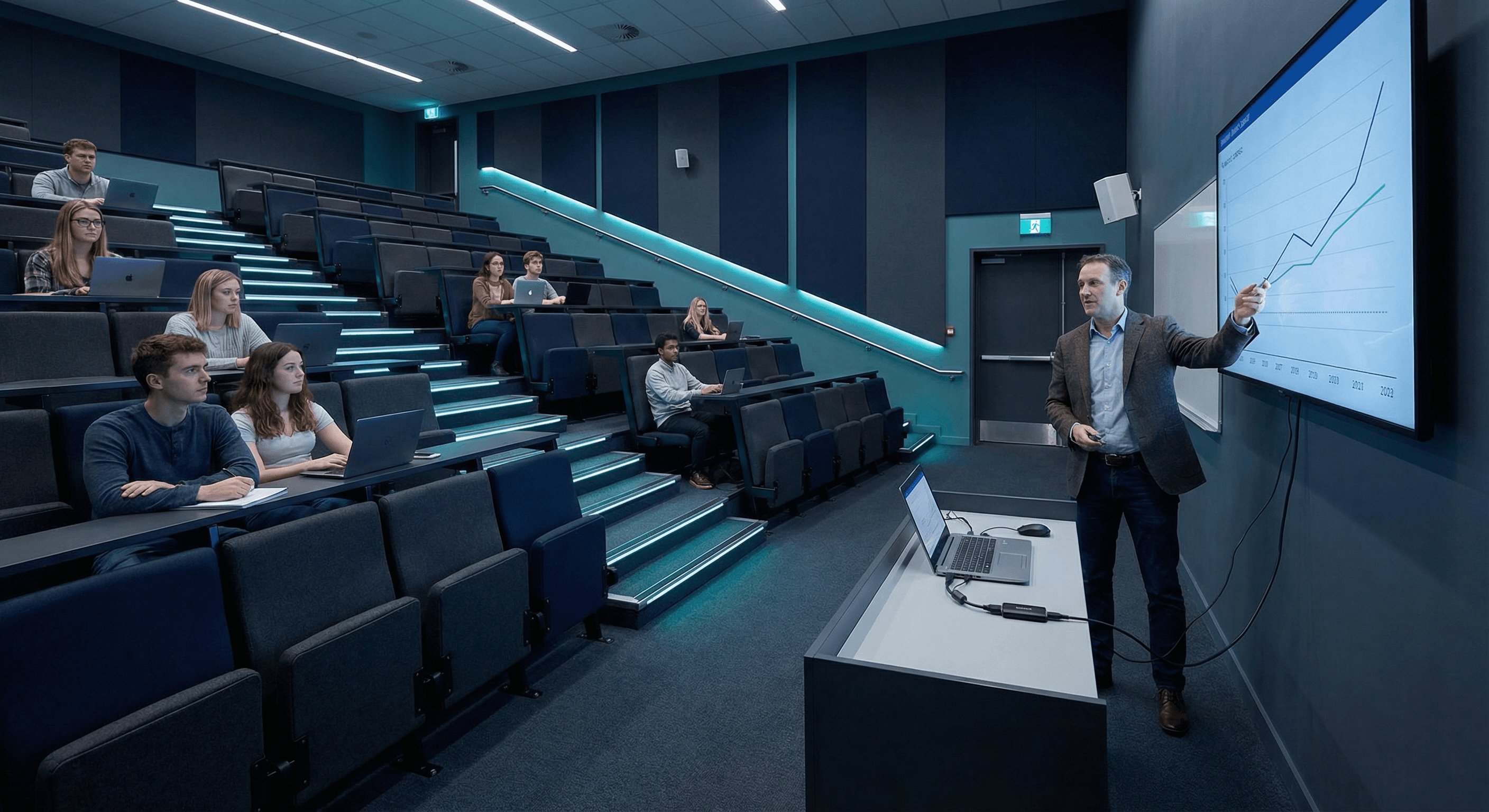
Education Use Cases
From lecture halls to online courses, empower educators and students with professional video capture.
Lecture Capture & Recording
Record lectures from document cameras, presentation screens, and instructor cameras. Students can review content on-demand.
Hybrid & Distance Learning
Enable remote students to participate in real-time with crystal-clear video of presentations, experiments, and demonstrations.
Online Course Production
Create professional e-learning content with multi-source capture. Record instructors, demonstrations, screen captures simultaneously.
Training & Professional Development
Capture staff training sessions, professional development workshops, and certification programs for asynchronous viewing.
Built for Education
Affordable, reliable, and easy-to-use solutions designed for educational institutions.
Budget-Friendly Deployment
Cost-effective solution for educational institutions. No ongoing licensing fees-purchase once and deploy across multiple classrooms.
Works with All LMS Platforms
Compatible with Moodle, Blackboard, Canvas, Teams, Zoom, and every major learning management system.
Easy for Non-Technical Staff
Teachers and instructors can operate without IT support. Plug-and-play design means focusing on teaching, not troubleshooting.
Capture Document Cameras
Perfect for capturing visual aids, textbooks, lab experiments, and demonstrations from document cameras and microscopes.
Simple Setup for Educators
From installation to first lecture in minutes-designed for educators, not IT professionals.
Connect Your Sources
Plug in document camera, laptop, or presentation system via HDMI. Connect instructor camera if using multi-source setup.
Connect to Computer
Attach USB cable to classroom PC or Mac. Device appears instantly as a webcam-no software to install.
Open Your LMS or Recording Software
Launch Zoom, Teams, OBS, or your LMS platform. Select Magewell device as video source.
Start Teaching
Begin your lecture or online class. Record locally or stream live to students. Focus on teaching, not technology.
Recommended for Education
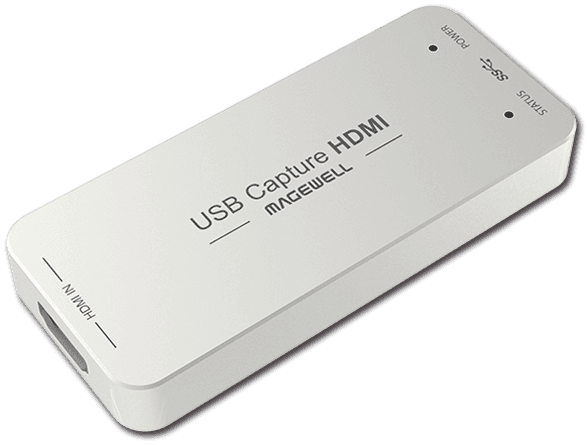
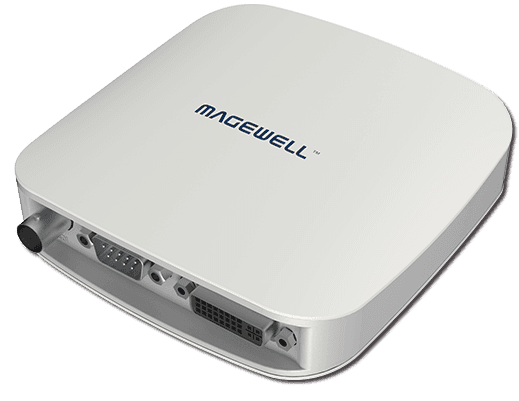
Cost-effective capture devices perfect for classrooms and lecture halls.
Need Education Pricing or Volume Discounts?
We offer special pricing for educational institutions. Contact us for volume quotes and academic discounts.