Capture Epic Moments with Zero Lag
Professional 4K60 HDR gameplay capture for PS5, Xbox Series X, Nintendo Switch, and PC. Zero input latency ensures competitive performance while recording your best plays.
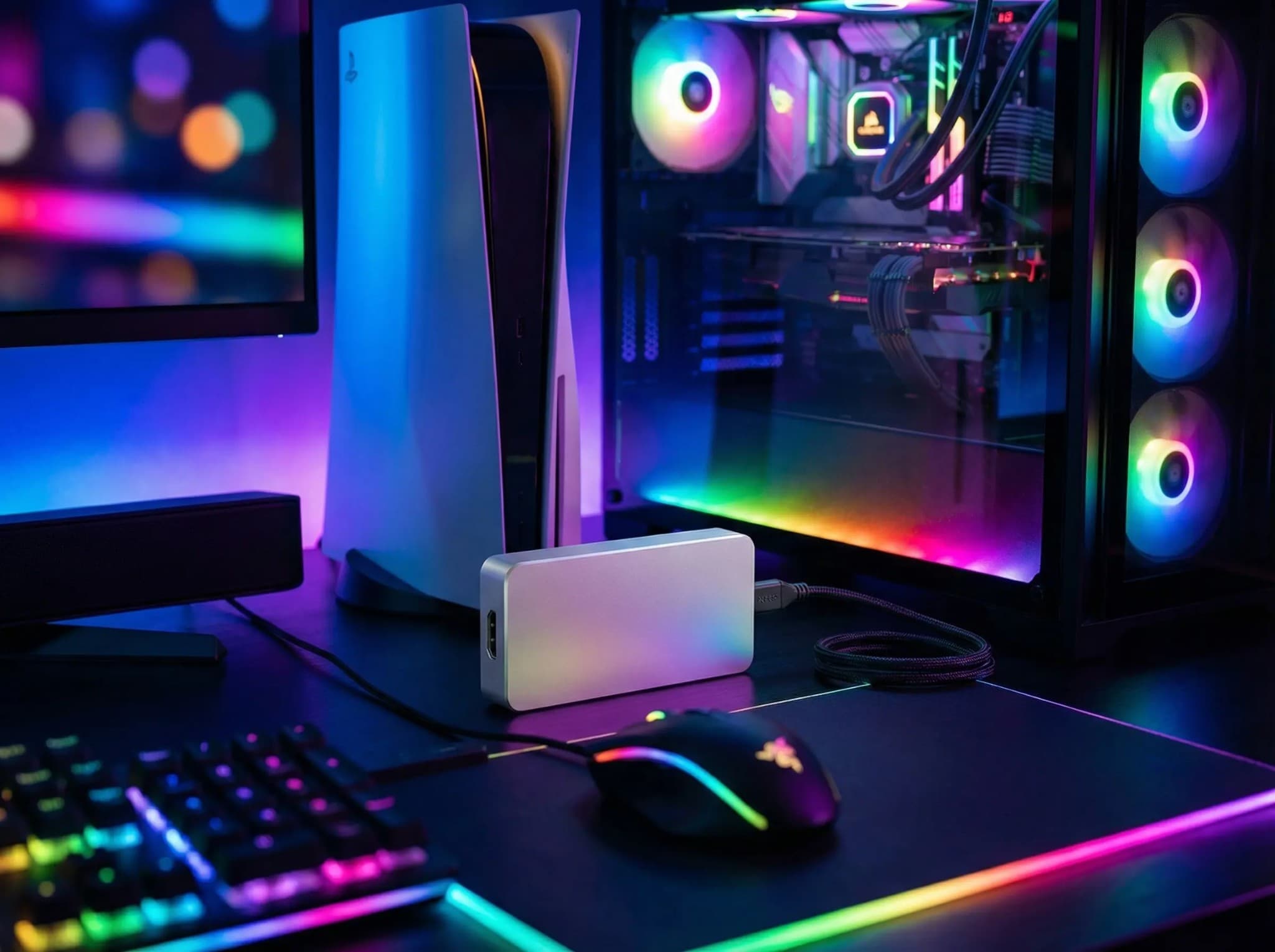
Gaming Use Cases
Professional capture for gamers, streamers, and esports.
Console Gameplay Recording
Capture PS5, Xbox Series X, and Nintendo Switch gameplay at 4K60 with HDR. Zero-latency passthrough ensures competitive gaming performance.
Streaming & Content Creation
Record gameplay highlights, create tutorials, and stream live to Twitch or YouTube. Compatible with OBS, Streamlabs, and XSplit.
Esports & Competitive Gaming
Tournament-grade capture with absolutely no input delay. Professional quality for competitive players and esports organizations.
Retro & Classic Gaming
Capture from older consoles and systems. Compatible with HDMI, Component, and legacy connections via adapters.
Gaming-Grade Features
Performance features designed for serious gamers.
True Zero Input Lag
Hardware passthrough delivers your gameplay to the monitor with zero added latency. No compromise on competitive performance.
4K60 HDR Capture
Record next-gen console graphics at full 4K 60fps with HDR color. Maintain every visual detail for stunning content.
VRR & High Refresh Support
Compatible with Variable Refresh Rate and high refresh rate displays. Capture doesn't interfere with smooth gaming.
Instant Replay Recording
Buffer recent gameplay for instant highlight capture. Never miss an epic moment or clutch play.
Quick Setup for Gamers
From unboxing to recording in under 2 minutes.
Connect Your Console
Plug HDMI from your PS5, Xbox, Switch, or PC into the capture device HDMI input. Connect HDMI from passthrough to your gaming monitor or TV.
Connect to Streaming PC
Attach USB 3.0 cable from capture device to your streaming PC or gaming PC. Device appears instantly-no drivers needed.
Open Streaming Software
Launch OBS, Streamlabs, or XSplit. Add Magewell device as video source. Configure resolution and bitrate for your stream.
Start Recording or Streaming
Hit Go Live or Start Recording. Play your game with zero lag while capturing every moment in 4K60 HDR quality.
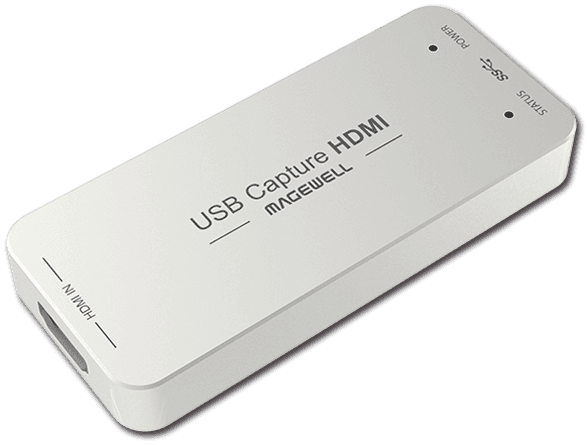
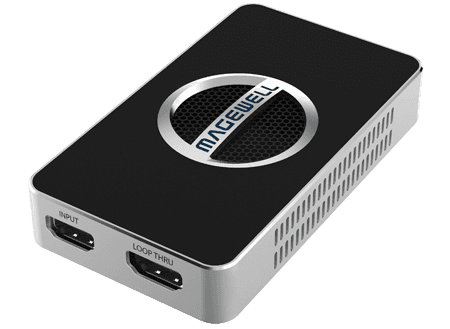
Recommended for Gaming
High-performance capture devices for gamers and streamers.
Ready to Level Up Your Stream?
Get expert advice on building the perfect streaming setup for your gaming content.