Scientific Imaging Capture
Microscope capture, research documentation, quality control imaging, and scientific analysis workflows. Frame-accurate capture for research.
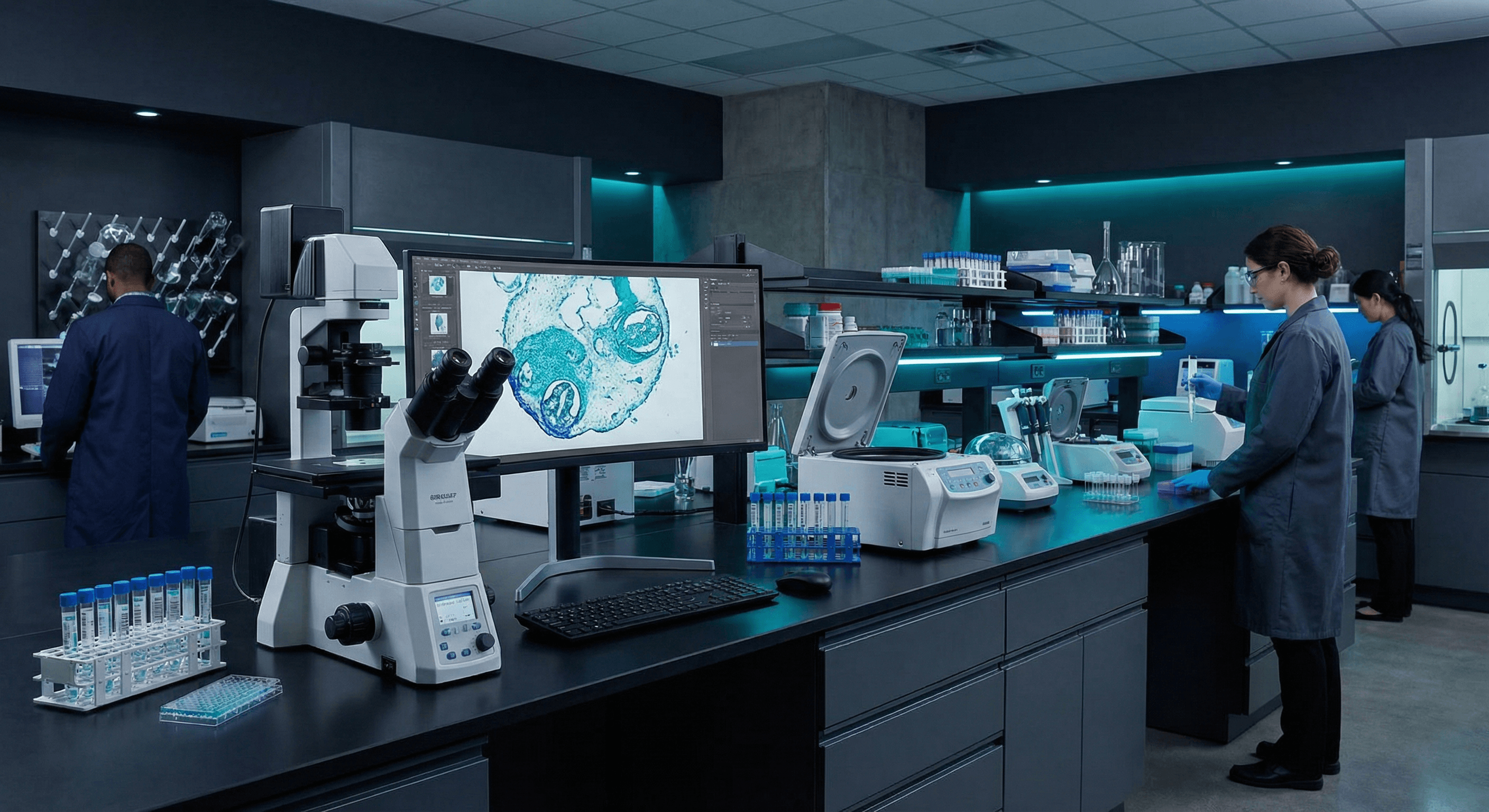
Laboratory Use Cases
Professional capture for scientific research and quality control.
Microscope Image Capture
Capture high-resolution images from optical microscopes, electron microscopes, and digital microscopy systems for documentation and analysis.
Research Documentation
Document experiments, procedures, and results with high-quality video capture. Perfect for laboratory notebooks and research papers.
Quality Control Imaging
Capture and analyze images for quality control, defect inspection, and manufacturing verification processes.
Time-Lapse & Long-Term Studies
24/7 continuous capture for time-lapse photography, cell culture monitoring, and long-term scientific observations.
Scientific-Grade Features
Precision features for scientific applications.
High-Resolution Capture
4K60 capture preserves fine detail in microscopy and scientific imaging. True color reproduction for accurate analysis.
Frame-Accurate Recording
Precise timing for scientific applications. Capture exact sequences for analysis and documentation.
Legacy Equipment Support
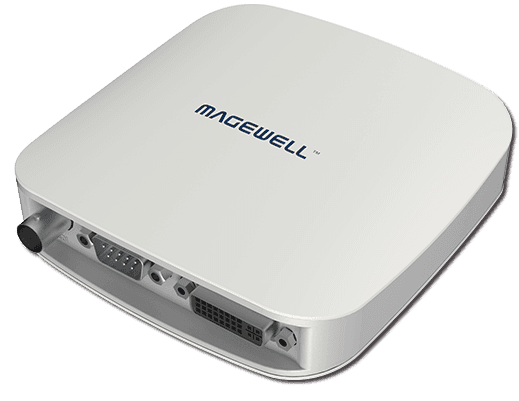
Compatible with VGA, DVI, and legacy scientific equipment. All-In-One devices eliminate the need for converters.
Continuous 24/7 Operation
Hardware-based processing enables reliable 24/7 operation for long-term studies and time-lapse capture.
Laboratory Integration
Reliable setup for scientific environments.
Connect Microscope or Imaging Equipment
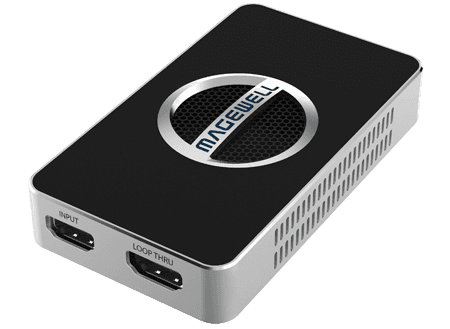
Connect microscope camera, scientific camera, or imaging equipment via HDMI, DVI, or VGA. Supports legacy equipment.
Connect to Recording System
Attach USB cable to research PC or workstation. Device appears as standard camera for image capture software.
Configure Capture Software
Set up in ImageJ, MATLAB, LabVIEW, or scientific imaging software. Configure resolution, frame rate, and color settings.
Begin Scientific Capture
Start capturing images or video for research. Reliable operation ensures data integrity for scientific work.
Recommended for Laboratory
Capture devices designed for scientific and research applications.
Need Research or Educational Pricing?
We offer special pricing for research institutions and educational laboratories.