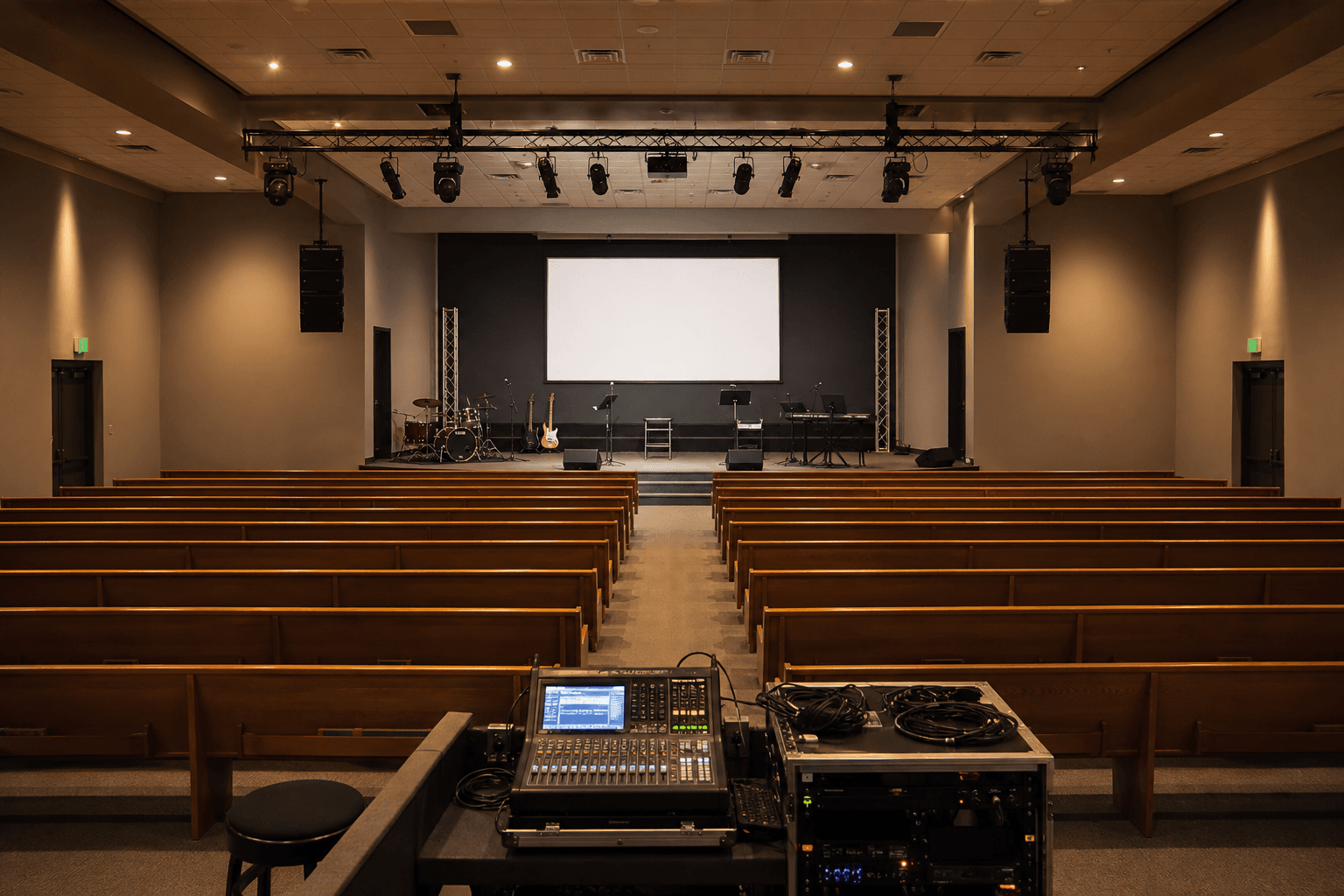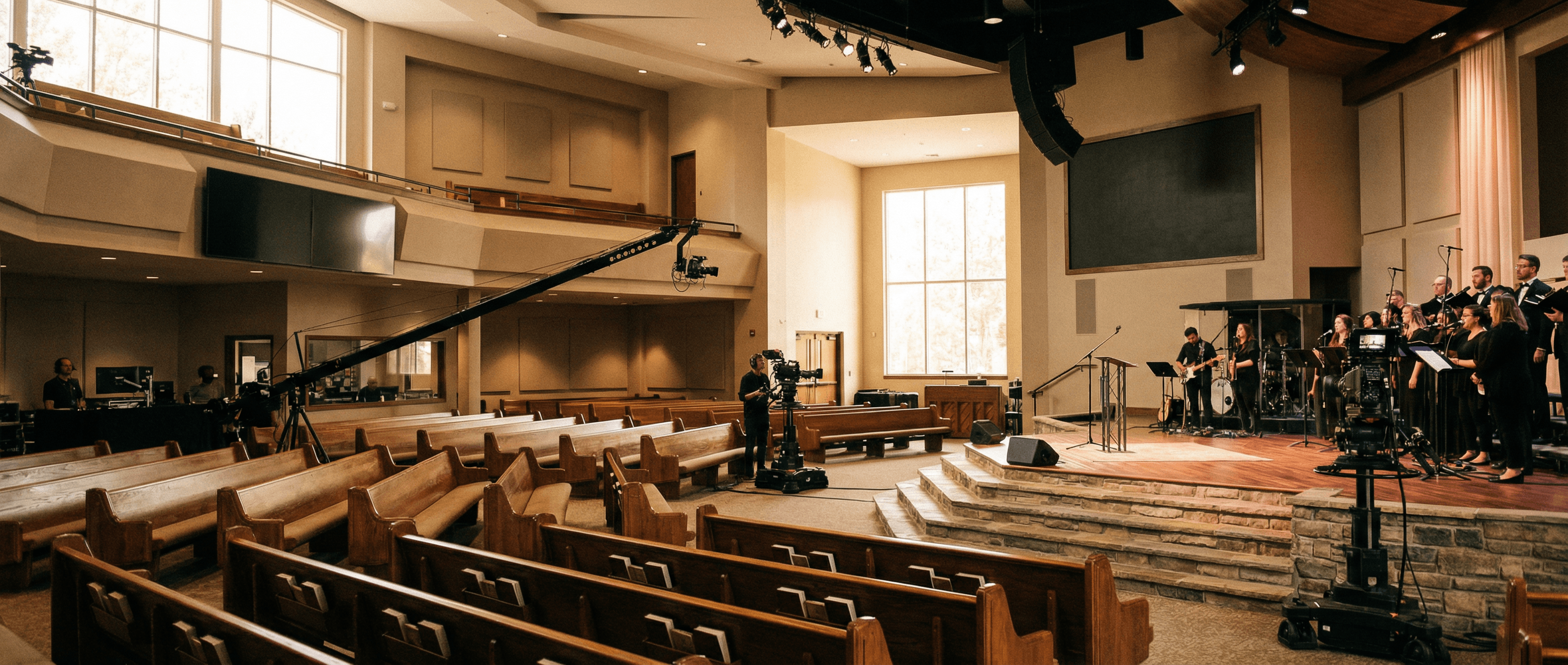
Churches streaming to YouTube, Facebook, or their own platforms need reliable video from multiple cameras and graphics-and they need it to work when the service starts, not after a frantic driver reinstall. USB capture devices that work like plug-and-play webcams make it easier for volunteer teams to run a consistent stream every week, without turning the tech booth into a troubleshooting lab.
What Church Streaming Requires
Typical church streaming setups include at least one wide shot and often a second camera for the speaker or worship. A graphics machine may provide lower thirds, lyrics, or announcements. Each HDMI source can be captured with a dedicated USB capture device and combined in OBS, vMix, or similar software before being sent to your streaming platform. The key is reliability: services happen at fixed times, and dropouts or "device not found" messages are not acceptable when your congregation is waiting online. Professional capture devices are built for exactly this-steady, predictable performance so your volunteers can focus on the mix, not the hardware.
- Multi-camera – One USB capture device per camera or graphics feed. Add as many as you need; each gets its own clean input.
- Volunteer-friendly – Plug-and-play; no driver installs or complex setup. If someone can plug in a webcam, they can plug in a Magewell.
- Platform-agnostic – Output from your software to YouTube, Facebook Live, or any RTMP destination. Switch platforms without changing hardware.
Recommended Setup
Start with one Magewell USB Capture HDMI Gen 2 for your main camera. Add a second for a different angle or for graphics. Use OBS Studio (free) or a dedicated switcher to mix sources and stream. Many churches run this on a single PC with a small USB hub for the capture devices-just use a powered hub and plug devices in before launching OBS so they're recognised cleanly. Once the stream is live, the hardware fades into the background; your team can concentrate on switching and engagement.
Larger venues might run three or four cameras plus graphics: wide, platform, worship, and lyrics or media. Same idea-one Magewell per HDMI source, one PC (or two for redundancy), and your chosen software. The scalability is straightforward: more cameras mean more capture devices, not a whole new architecture.
Keeping It Simple for Volunteers
Volunteer-run tech teams need gear that behaves the same way every week. Driver-free USB capture means no "it worked last Sunday" surprises after a Windows update. A simple checklist-power on, plug in capture devices, open OBS, confirm sources-is enough to get on air. If a device is unplugged or a cable is loose, it's obvious in the source list; no digging through Device Manager. That simplicity reduces stress and makes it easier to train new volunteers.
Next Steps
Read more on our Church & Worship page. To order devices or discuss your setup, contact StreamKit. Free UK shipping and 3-year warranty on all Magewell products-so your stream can keep running week in, week out.