NDI (Network Device Interface) has moved from a NewTek proprietary format to an industry-standard IP video protocol used by vMix, OBS, Wirecast, and a growing list of broadcast tools. Magewell makes hardware on both ends of an NDI workflow. Here is what each device does and when you need it.
What NDI Actually Is
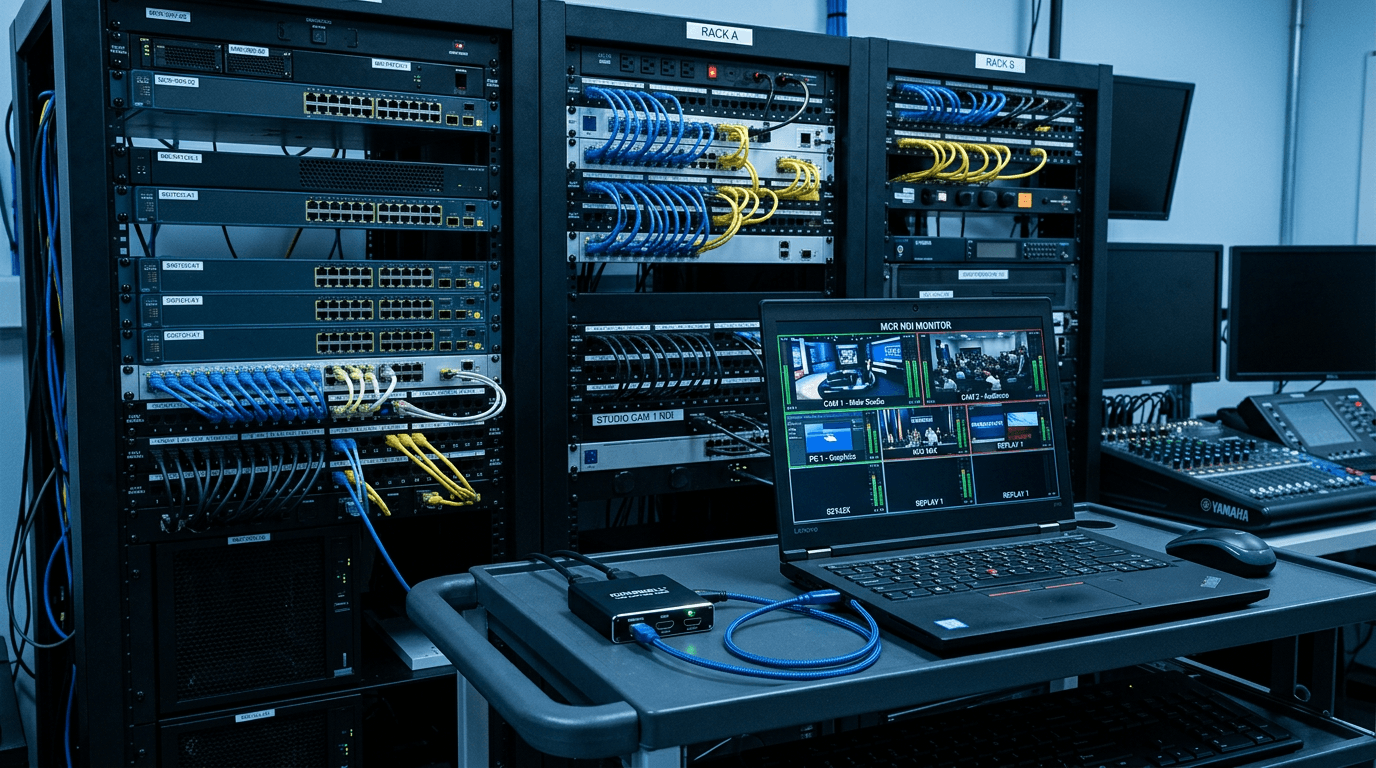
NDI carries video, audio, and metadata as an IP stream over a standard Gigabit Ethernet network. Unlike HDMI or SDI, you can share a single NDI source with multiple receivers simultaneously, route sources via a software switcher without physical cable runs, and monitor feeds from any device on the same network. The catch: NDI streams require adequate network bandwidth (typically 100-200Mbps per 1080p60 stream at high quality) and a managed switch for larger deployments.
Magewell supports NDI as both an output protocol (from their encoders) and as an input protocol (their converters receive NDI and output physical signals). Once you understand the direction, the product range makes sense.
Creating NDI Streams: Ultra Encode Range
The Magewell Ultra Encode devices take a physical signal in (HDMI or SDI) and output it as NDI over Ethernet. They are standalone hardware appliances with no PC required. Connect one to a camera, switcher output, or presentation system and it appears as an NDI source on your network immediately.
- Ultra Encode HDMI: HDMI source to NDI stream. Also outputs RTMP, RTSP, SRT, and HLS simultaneously.
- Ultra Encode SDI: Same but for SDI broadcast cameras and routers.
- Ultra Encode AIO: Accepts both HDMI and SDI simultaneously, encodes from either or both.
- Plus variants: Add SRT encryption and additional streaming targets.
Configuration is via a web browser interface. No specialist knowledge required for initial setup, though larger deployments benefit from Magewell Control Hub for centralised management.
Receiving NDI: Pro Convert Range
Pro Convert devices go the other way: they receive NDI streams from a network and output physical signals. This is how you get NDI video to displays, monitors, or broadcast equipment that only speaks HDMI or SDI.
- Pro Convert HDMI 4K Plus / HDMI Plus: NDI in, HDMI out (4K or 1080p). For confidence monitors, projectors, or any HDMI display fed from an NDI source.
- Pro Convert SDI 4K Plus / SDI Plus: NDI in, SDI out. Feeds NDI into broadcast SDI routers, monitors, or recording equipment.
- Pro Convert NDI to AIO: One NDI stream, three simultaneous outputs: HDMI, SDI, and analogue. Useful for hybrid venues where different displays need different signal types.
- Pro Convert HDMI TX / SDI TX: Physical signal in, NDI out. These are encoder-style devices in the Pro Convert chassis, taking HDMI or SDI and pushing it onto the network as NDI.
Bringing NDI into a PC Without a Capture Card
If you need an NDI stream to appear as a USB webcam in Zoom, Teams, or OBS, the Pro Convert IP to USB handles this without any software: it connects to your PC via USB and presents the NDI stream (or any RTSP, RTMP, SRT, or HLS stream) as a standard USB camera. No driver, no plugin, just a camera device in your software list.
Managing Multiple Devices: Control Hub
For deployments with more than a handful of Magewell network devices, Magewell Control Hub provides centralised monitoring, configuration, and firmware management. It is a software licence (Lite, Basic, Plus, and Pro tiers) that runs on a server or workstation and gives you one dashboard for all devices on the network.
StreamKit stocks the full Magewell NDI range and Control Hub licences with UK pricing, free mainland delivery, and 3-year warranty. If you need help specifying the right combination of encoders and receivers for your venue, contact us with your signal map and we will work through it with you.