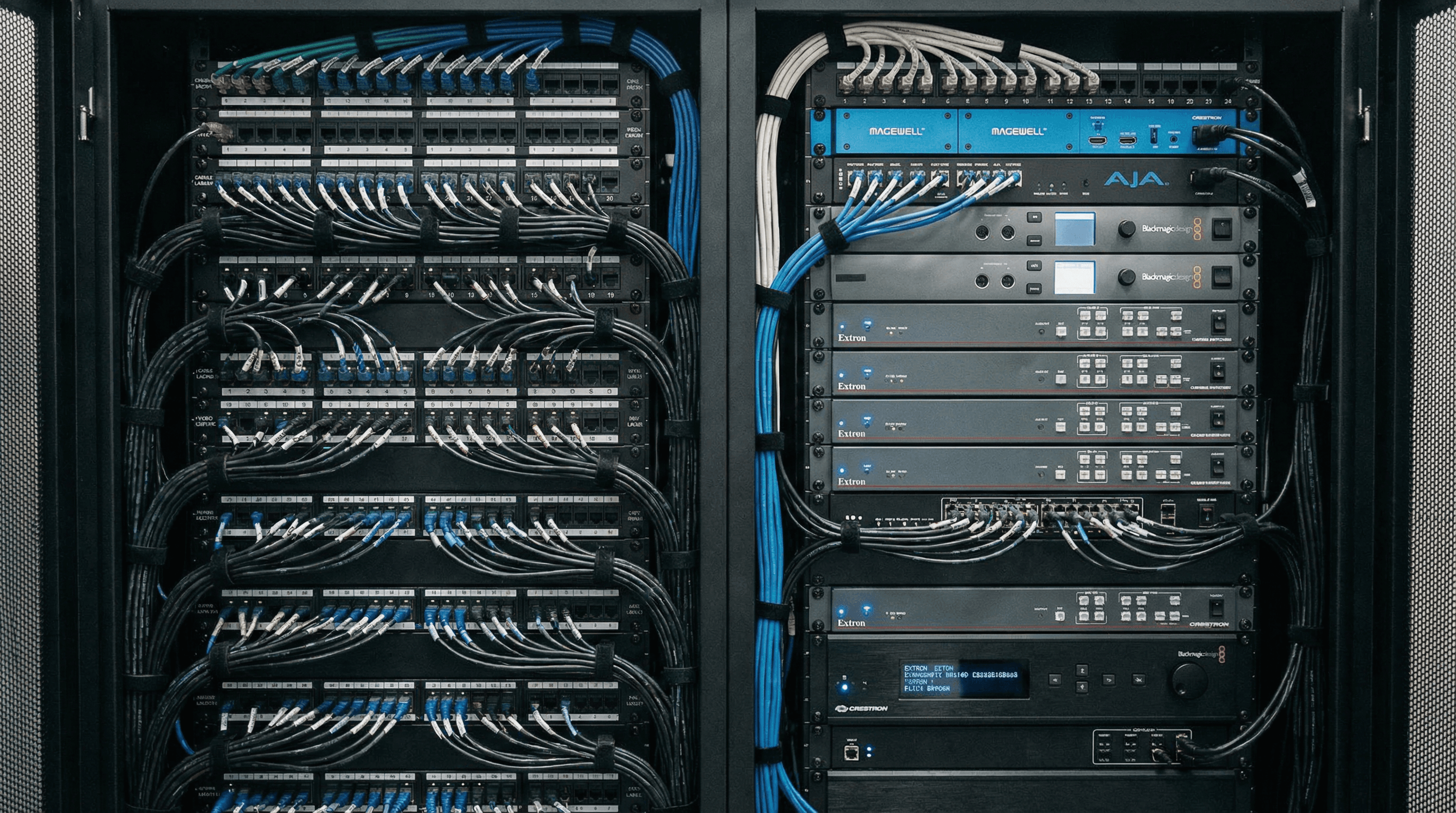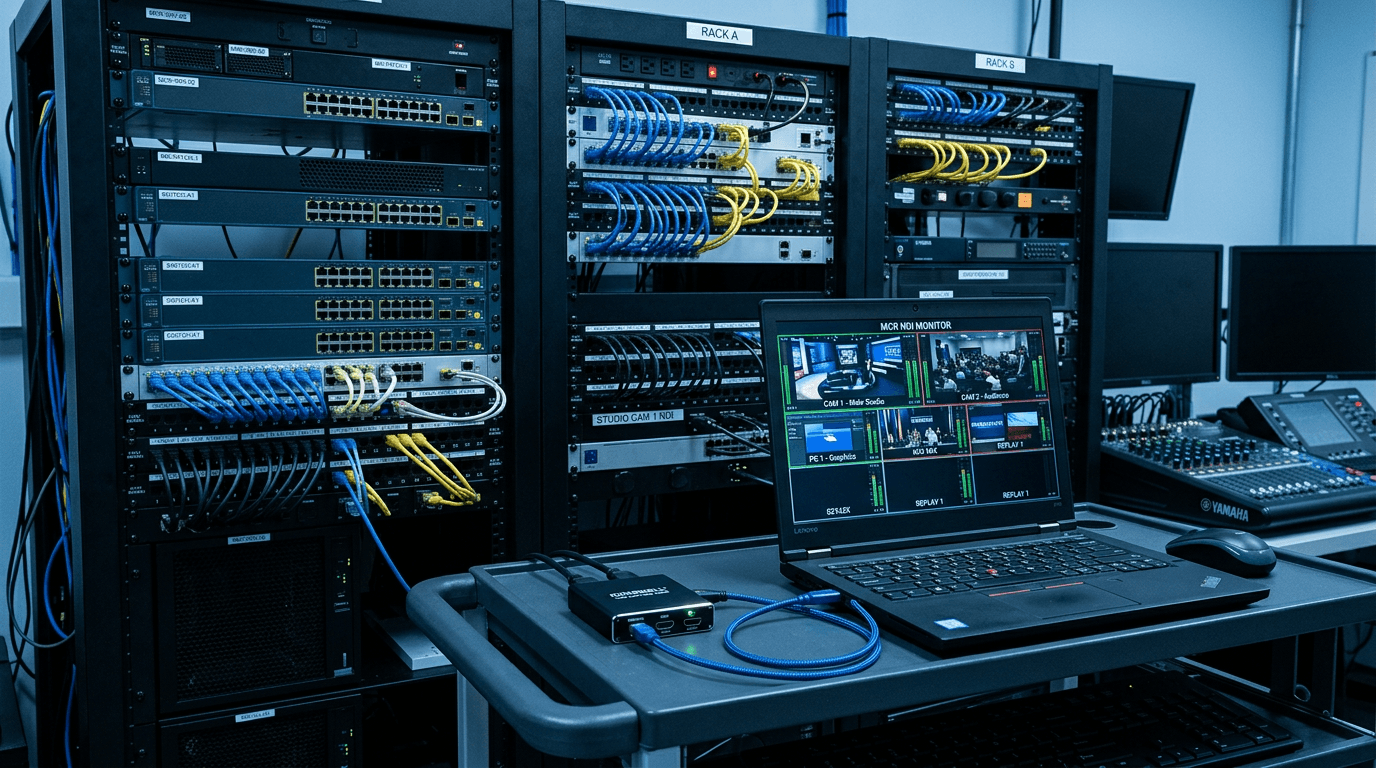
NDI (Network Device Interface) from Vizrt/NewTek is now a standard way to move video between devices and software over a standard Ethernet network, without SDI or HDMI cable runs. If you're building a multi-room production workflow, a distributed streaming setup, or an IP-based AV system, NDI lets cameras, graphics systems, and production software talk to each other over the LAN. USB capture is where legacy HDMI sources enter that network.
What NDI Does
NDI is a royalty-free protocol that transmits high-quality video and audio over a standard IP network (typically Gigabit Ethernet). An NDI source, a camera, graphics machine, or software output, puts its video onto the network; an NDI receiver (a production PC, software mixer, or display) picks it up from anywhere on the same network. The result is a flexible, cable-light production environment where sources and destinations can be any machine on the LAN without running HDMI or SDI between them.
Software like OBS Studio, vMix, Wirecast, NewTek TriCaster, and Zoom all support NDI natively or via plugins. Once a source is on the network as NDI, any of these applications can pull it in as a camera input.
Where Magewell USB Capture Fits
Not all cameras are NDI cameras. Most professional cameras, consumer camcorders, DSLRs, mirrorless cameras, document cameras, and legacy AV sources output HDMI (or SDI). To bring these into an NDI workflow, you capture them on a PC with a USB capture device, and then send that capture to the network as an NDI stream using software, typically OBS with the NDI plugin, or vMix, which handles NDI output natively.
The workflow looks like this:
- HDMI camera → Magewell USB Capture device → production PC (appears as a standard UVC camera)
- OBS/vMix captures the Magewell source and outputs it as an NDI stream on the network
- Any NDI receiver on the same network can now use that camera as a source, regardless of where it's physically located
This is particularly powerful in multi-room setups: cameras in different rooms can be captured locally on small PCs, converted to NDI, and pulled into a central production PC for mixing and streaming, without running HDMI cables across the building.
Multi-Room and Distributed Production
Consider a conference centre with cameras in three different rooms, all feeding into a central production suite. Traditional SDI or HDMI infrastructure would mean running cable. With NDI and USB capture:
- Each room has a small PC or laptop with a Magewell device capturing the room camera over HDMI
- Each PC runs OBS (with NDI plugin) or a lightweight NDI sender, broadcasting that camera to the network
- The production PC in the suite pulls all three camera feeds as NDI sources, mixes them, and streams or records
The infrastructure is standard Gigabit Ethernet, which the building almost certainly already has. The capture hardware is USB. The result is a scalable, flexible production workflow at a fraction of the cost and complexity of full SDI infrastructure.
OBS and NDI: Practical Setup
OBS Studio supports NDI via the obs-ndi plugin (free, widely used). Once installed:
- Add your Magewell device as a Video Capture Device source in OBS as normal
- In OBS Tools → NDI Output Settings, enable "Main Output" to send the entire OBS scene to the network as NDI, or use the NDI Source filter on a specific source to send just that camera
- On receiving PCs, install the NDI Tools (free from ndi.tv) and add an NDI Source in OBS, it will list all available NDI sources on the network automatically
vMix handles NDI natively without plugins: add an NDI input, select the source, done. The Magewell device captured on a remote PC becomes a camera in your vMix session.
Bandwidth and Network Considerations
NDI streams use significant bandwidth, typically 100–200Mbps per 1080p60 stream for NDI (full quality). Gigabit Ethernet handles this easily for a handful of streams; if you're running many streams or mixing with other heavy network traffic, managed switches with QoS or a dedicated VLAN for NDI traffic are worth considering. NDI HX (a compressed variant) reduces bandwidth substantially at the cost of some quality, useful for bandwidth-constrained environments. Most production software supports both NDI and NDI HX.
Next Steps
See our AV Integration page for more distributed and multi-room use cases. Browse USB Capture products for specs, or contact StreamKit for advice on building an NDI-based production workflow, we work with integrators and production companies across the UK and EU.