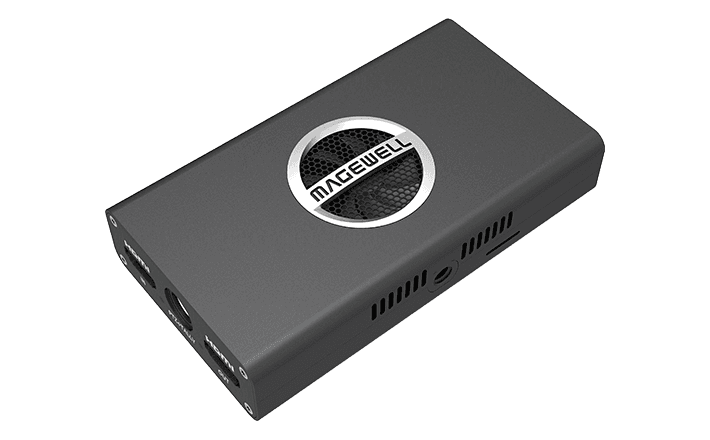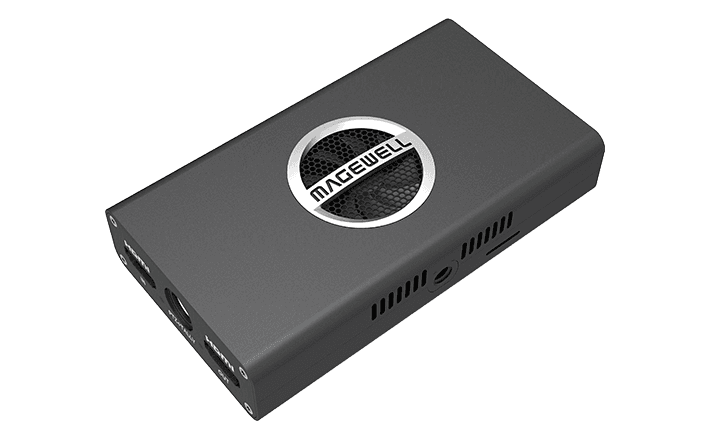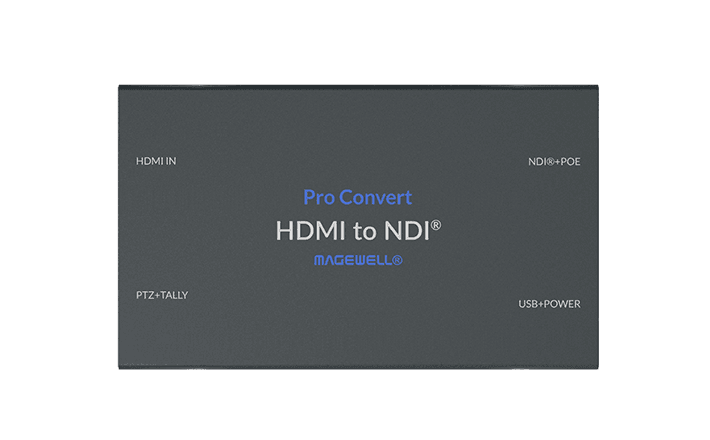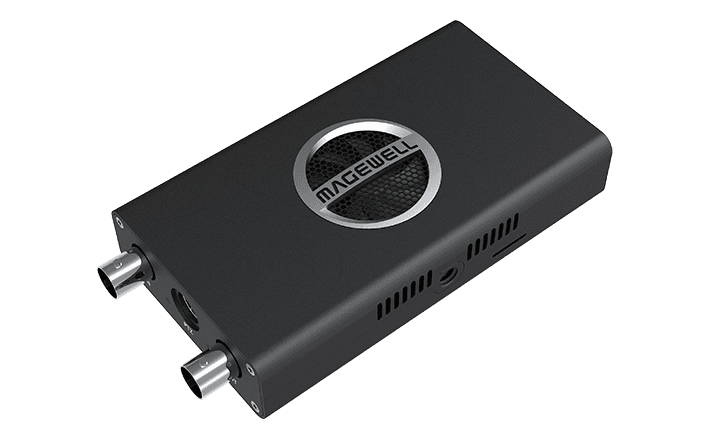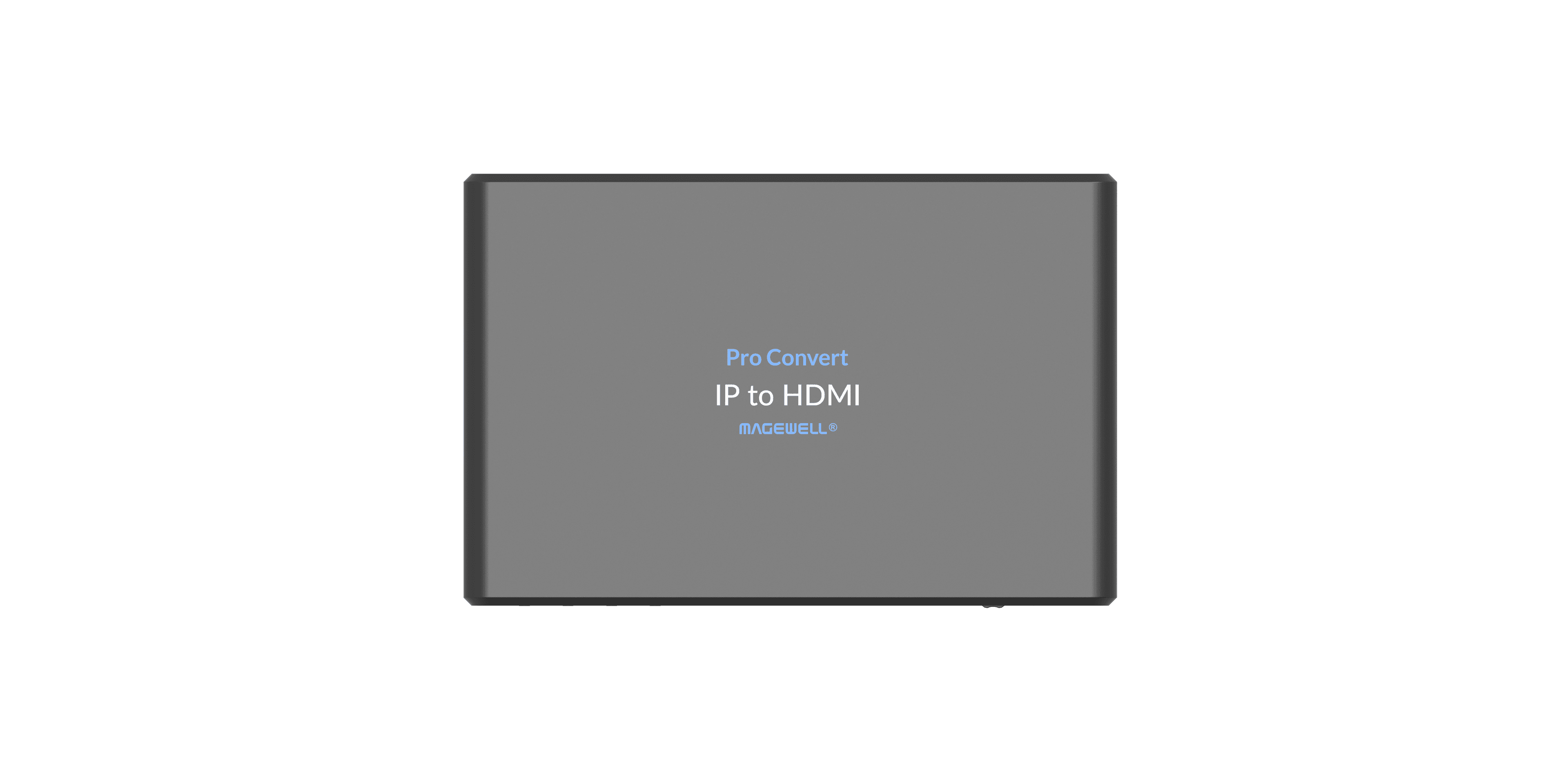
IN THE BOX
- 1�- Magewell Pro Convert IP to HDMI
- Power supply (DC)
- Ethernet cable
- Quick start guide
Magewell Pro Convert IP to HDMI: Display Any IP Video Stream on an HDMI Screen
The Pro Convert IP to HDMI receives IP video streams from your network and outputs them on an HDMI display. It is the display-output equivalent of the Pro Convert IP to USB: same IP protocol support, same standalone operation, but the output goes to a screen rather than a computer's USB port.
At £369, it provides a clean, self-contained way to drive HDMI monitors, signage screens, confidence displays, and video walls from IP video sources, without a media player PC or laptop sitting between the network and the screen.
What It Does
Connect the device to your network and to an HDMI display. Configure it via the web browser interface to receive one of the supported stream types: RTSP, RTMP, HLS, NDI, or SRT. The unit decodes the stream and outputs it as HDMI video in real time. No PC is required at the display end. No additional software is needed at the screen location. The display receives video.
The device manages its own network connection to the source stream and handles all decoding internally. Power it on, plug it into an HDMI input, and configure it once from a browser on the same network. After that it operates unattended.
Key Use Cases
- Digital signage: drive HDMI screens from a central IP video server or streaming source without a media player PC at each screen location
- Confidence monitors and IMAG displays: bring NDI or SRT feeds from a production network to HDMI monitors at stage, front-of-house, or speaker positions
- Video walls and multi-display installations: distribute IP sources to individual HDMI inputs across a building or venue without running long HDMI cables from a central point
- Broadcast and OB: feed HDMI monitors from an IP video routing infrastructure where physical SDI or HDMI cable runs to each monitoring position are not practical
- House of worship and corporate AV: drive HDMI screens in overflow rooms, lobbies, or secondary areas from a single centralised IP video source
Why IP Distribution to Screens Makes Sense
Running an HDMI cable from a production position to every display in a facility is often impractical beyond a certain distance or screen count. IP distribution over existing network infrastructure scales cleanly: add a screen, add a Pro Convert IP to HDMI at that screen, configure the source. No new cable runs from the production area.
The Pro Convert IP to HDMI is the termination point that converts the IP stream back to HDMI at each display location. Combined with Magewell Pro Convert encoders or any other IP video source, it forms a complete IP video distribution system for HDMI-connected screens at any scale.
Practical Details
The unit supports PoE, so it can be powered from the same Ethernet cable used for the network connection. This removes the need for a separate power supply or socket at each screen position, which is particularly useful for ceiling-mounted or wall-mounted screens where power access is limited. The web UI allows configuration of stream source, audio output, and display parameters from anywhere on the network.
Buying from StreamKit
- Authorised UK Magewell reseller
- 3-year manufacturer warranty included
- Free delivery to UK addresses
- UK-based technical support
KEY FEATURES
- Up to 4 simultaneous NDI / IP stream inputs
- QHD (2560�-1440) HDMI output with configurable multiview layout
- Web UI layout configuration, arrange sources per display
- Standalone, no PC required
- PoE powered or DC power supply
- Magewell Control Hub compatible
- Genuine UK stock from StreamKit
IDEAL FOR
IP source monitoring
Monitor multiple NDI cameras or IP sources on a single display in a control room or production environment.
Broadcast confidence monitoring
Display a multiview of IP feeds for operator confidence without a dedicated multiviewer PC.
Remote production
Monitor multiple remote contribution streams at a receiving location.
Campus surveillance preview
Preview IP camera feeds on a single screen without a full video management software installation.