IN THE BOX
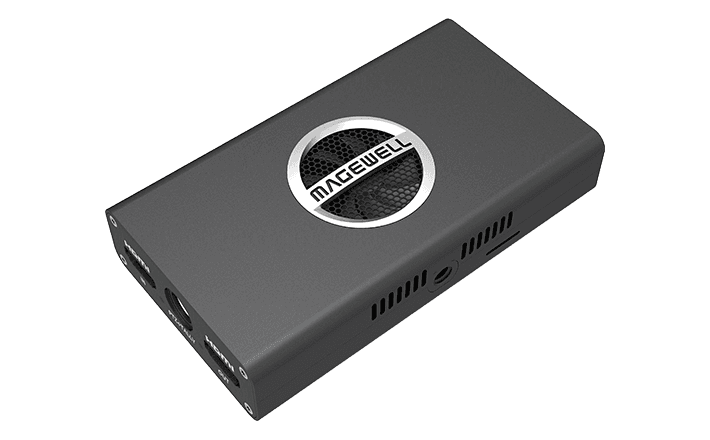
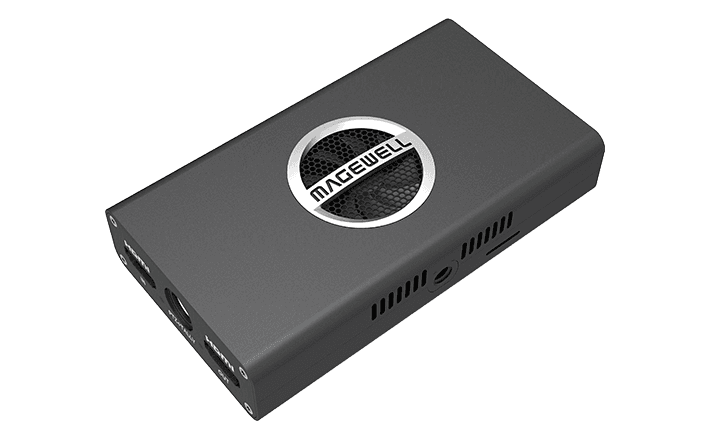
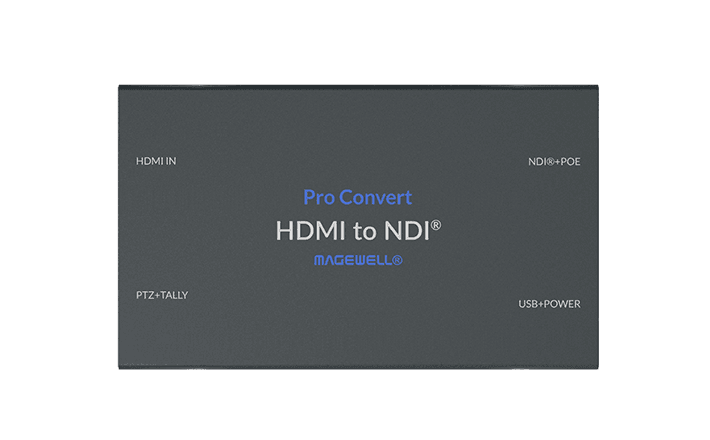
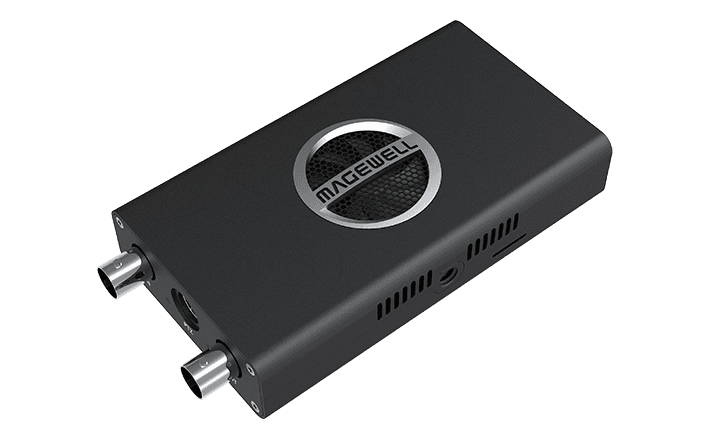
- 1�- Magewell Pro Convert IP to USB
- Power supply (DC)
- Ethernet cable
- Quick start guide
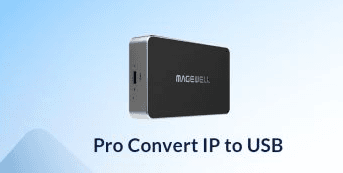
Magewell Pro Convert IP to USB: Bring Any IP Stream into Zoom, Teams or OBS as a Webcam
The Pro Convert IP to USB does something remarkably useful: it takes any IP video stream from your network and makes it appear on your computer as a standard USB webcam. No drivers to install, no capture card software to configure, no complex routing on the PC. The computer sees a camera, and any software that accepts a webcam accepts the stream.
At £246, it removes a category of integration problems that waste significant time in broadcast, corporate AV, and remote production environments.
What It Does
Connect the Pro Convert IP to USB to your network, plug it into a PC or Mac via USB, and configure it through the web browser interface to receive one of the following stream types: RTSP, RTMP, HLS, NDI, or SRT. The device decodes that stream and presents it to the host computer as a standard UVC-compliant USB camera device. No drivers are needed because UVC (USB Video Class) support is built into Windows, macOS, and Linux at the operating system level.
Any application that can select a webcam as a video source can then use the stream. That includes Zoom, Microsoft Teams, Google Meet, OBS Studio, Webex, vMix, Wirecast, and virtually every other video application in common use.
What Problem This Actually Solves
IP cameras, NDI sources, and network streams are not natively recognised as webcams by most software. Normally, bringing an IP camera into a video call or streaming workflow requires a capture card, a software decoder running continuously on the PC, or a complex routing chain through a virtual camera driver. All of those approaches introduce dependencies, configuration overhead, and potential failure points. The Pro Convert IP to USB collapses the entire chain into a single hardware device that any PC sees immediately on connection, with no software to maintain or update.
Who Needs This Device
- Broadcast and production teams who want to bring PTZ IP cameras or NDI sources into Zoom or Teams for remote contribution without a software stack on the endpoint
- Corporate AV installers connecting ceiling-mounted IP cameras to video conferencing systems without additional software on the room PC
- Live streamers and OBS users who want to use IP cameras or existing NDI sources in their production chain without virtual camera plugins
- Education and house of worship environments where IP cameras need to feed into video call platforms simply and reliably
- Remote production setups where a camera feed is streamed via SRT or RTMP from a remote location and needs to appear locally as a clean webcam input
Supported Protocols
The unit receives RTSP, RTMP, HLS, NDI, and SRT streams. SRT (Secure Reliable Transport) is particularly useful for contribution feeds over the internet where reliability in lossy network conditions matters. NDI support makes this a natural companion to any NewTek-based or NDI-enabled production environment, including vMix, TriCaster, and NDI-capable cameras.
Practical Points
All decoding happens on the device itself. The host computer receives only the finished USB camera stream and does not perform any processing. The web interface is browser-based and requires no software installation on the managing workstation. The device is compact and can be tucked behind a monitor or inside a small equipment bay.
Buying from StreamKit
- Authorised UK Magewell reseller
- 3-year manufacturer warranty included
- Free delivery to UK addresses
- UK-based technical support
KEY FEATURES
- Decodes NDI, NDI|HX, SRT, RTMP, RTSP, and HTTP streams
- Outputs as a standard USB UVC video device, appears as a webcam
- USB bus-powered, no external power supply needed
- Works with any UVC-compatible software (Zoom, Teams, OBS, vMix)
- No PC drivers required, plug and play via USB
- Web UI configuration for stream source selection
- Genuine UK stock from StreamKit
IDEAL FOR
NDI to Zoom / Teams
Bring an NDI source into a video conferencing platform as a webcam input, without screen sharing or virtual camera software.
IP to OBS
Feed an NDI or SRT stream into OBS, vMix, or any streaming software that accepts a webcam source.
Remote preview
Preview IP production sources on a standard laptop without full NDI software installed.
Hybrid teaching
Route NDI room cameras into a lecture PC for Zoom or Teams without installing additional software.