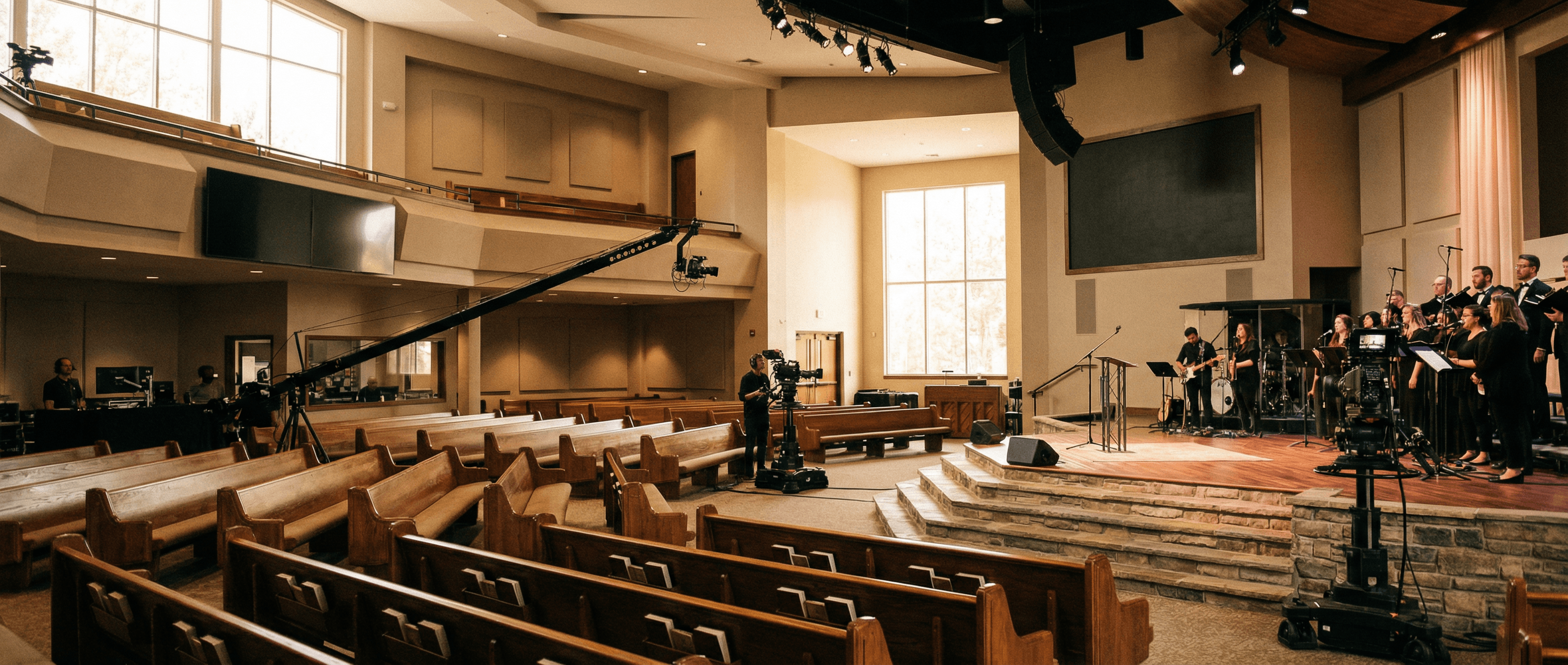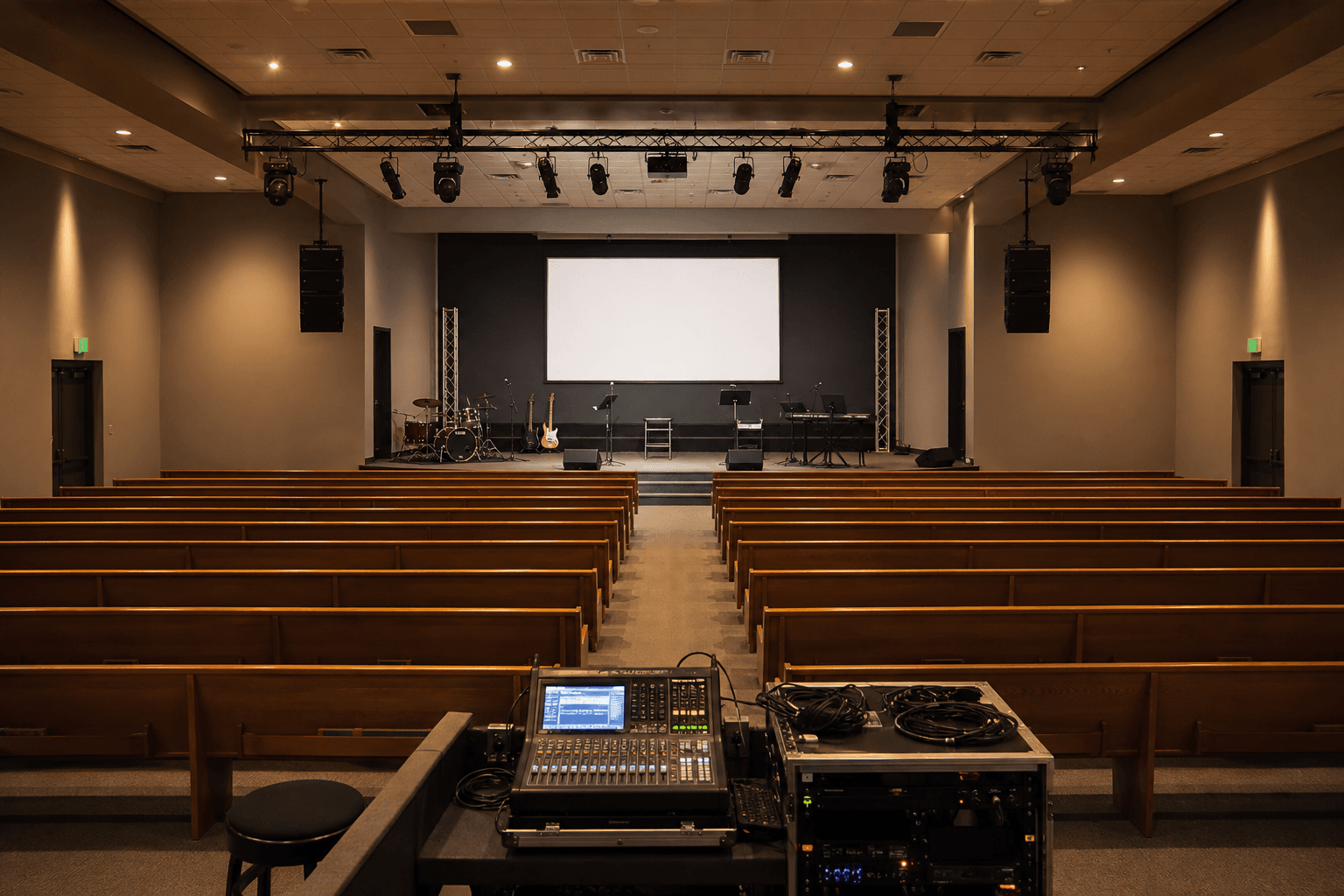
Church AV teams have specific requirements: reliable unattended operation, compatibility with existing switchers and cameras, and the ability to run long sessions without dropouts. Consumer capture dongles are not the answer. This guide explains which Magewell device fits which church setup.
What Church Streaming Requires
Most churches are running one of two setups: a single camera or switcher output going to a streaming PC, or a more complex multi-camera IMAG setup with simultaneous streaming and recording. The capture device requirements differ significantly between these two scenarios.
For single-output streaming, reliability and simplicity matter most. The device needs to start cleanly every week, work without a dedicated operator, and handle the HDMI output from whatever switcher the church is already using. For multi-camera setups, the question is whether to capture post-switcher output or individual camera feeds.
Single Camera or Switcher Output
The Magewell USB Capture HDMI Gen 2 is the right device for most single-source church setups. It accepts the HDMI output from a video switcher, mixing desk output, or single camera, and presents it to the streaming PC as a UVC webcam. It works with OBS, vMix, Streamyard, and direct via NDI with the appropriate firmware.
At 1080p60 input and USB 3.0 connection, it handles everything most church services require. The hardware is FPGA-based rather than software-based, which means low CPU overhead and reliable operation. It runs warm but does not require active cooling and is designed for continuous operation.
The practical advantage over consumer dongles is durability and signal handling. Magewell devices handle non-standard HDMI signals, slight timing issues from consumer AV gear, and hot-plugging without the frame drops and disconnects that plague cheap capture hardware. For a Sunday morning service where you cannot have a five-minute troubleshoot window, this matters.
Multi-Camera and IMAG Setups
For churches with three or more cameras, a PTZ system, and a hardware switcher feeding both IMAG screens and a streaming output, the Pro Capture range is worth considering. The Pro Capture HDMI 4K Plus handles 4K input for future-proofing if cameras are being upgraded.
In most church multi-camera setups, the capture device sits after the hardware switcher: one clean program output feeds the streaming PC. The switcher operator handles camera selection and the streaming PC just captures what comes out of the switcher. This is simpler to operate and reduces the chance of human error during services.
If the church wants to record individual camera feeds for post-production editing, multiple USB capture devices or a multi-channel PCIe card is the solution. vMix and OBS both support multiple capture devices on a single PC, provided USB bandwidth and CPU are adequate.
Software Compatibility
All Magewell USB devices are UVC-compliant and work with any capture software that accepts webcam input. For church streaming, the most common setups are:
- OBS Studio (free): Works with Magewell devices as a Video Capture Device source. Reliable, widely supported, good for straightforward streaming setups.
- vMix: Full production switcher software with Magewell support. Better for complex multi-camera productions with graphics, titles and instant replay.
- Streamyard: Browser-based streaming tool. Works with Magewell via the browser webcam input. Simple to use but limited in production capability compared to OBS or vMix.
- Ecamm (Mac only): Popular with smaller churches using Mac hardware. Magewell USB devices work as camera inputs.
Audio Capture
HDMI carries both video and audio. If your church switcher outputs HDMI with embedded audio, the Magewell device captures both and presents them separately to the streaming software. In OBS, add the Magewell device as both a Video Capture Device and an Audio Input Capture to get the embedded audio from HDMI into your scene mix.
Some churches prefer to run audio separately: the mixing desk outputs directly to the streaming PC via USB audio interface, and the Magewell handles video only. Either approach works. The separate audio route gives more control over levels and processing, which is often preferable for music-heavy services.
Recommended Devices by Setup Type
- Single camera or switcher output, streaming to YouTube/Facebook: USB Capture HDMI Gen 2
- Switcher output with 4K camera system: USB Capture HDMI 4K Plus
- Multi-camera production with vMix or OBS: Multiple USB Capture HDMI Gen 2 devices or Pro Capture HDMI 4K Plus (PCIe)
- Permanent installation in AV rack: Pro Capture HDMI 4K Plus for long-term reliability and rack mounting
UK Supply and Support
StreamKit is a UK Magewell distributor supplying churches and houses of worship across the UK. All devices come with a 3-year Magewell warranty, free mainland UK delivery, and direct technical support for setup questions. Browse all Magewell devices or contact us to discuss your specific setup before ordering.