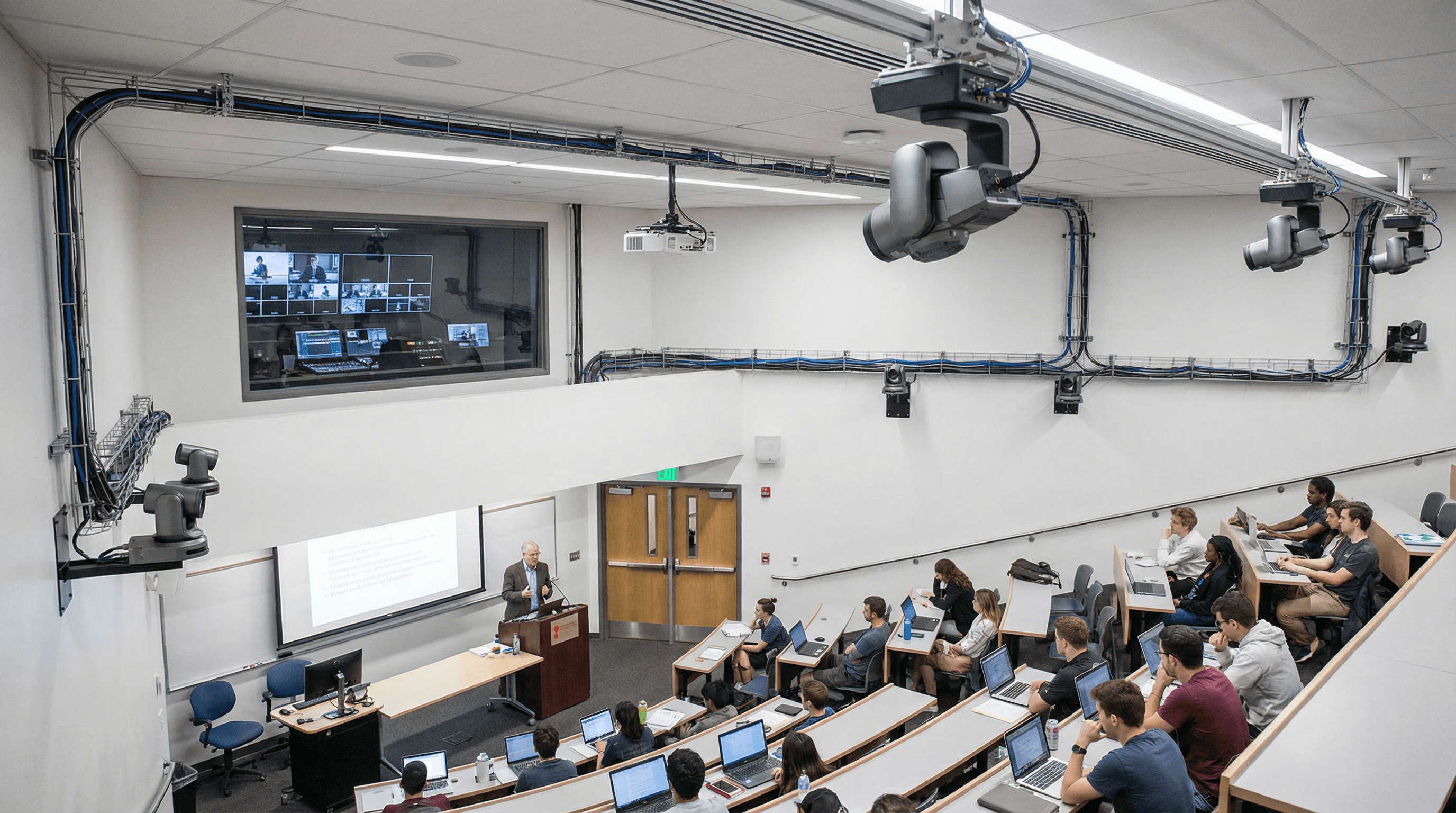
A UK university needed reliable lecture capture and hybrid delivery across multiple rooms-without turning IT into a full-time driver support desk. They chose Magewell USB Capture HDMI Gen 2 devices for their simplicity and driver-free operation. Here's how the deployment worked and what we'd recommend for similar projects.
The Challenge
The institution had a mix of room types: some with a single fixed camera, others with a document camera and a room camera. They wanted a consistent capture solution that IT could deploy without custom drivers and that would work with their existing lecture-capture and streaming software. Budget and support burden were key constraints-they'd had enough of "it worked last week" and driver conflicts after Windows updates. The goal was one hardware standard that could scale across rooms and survive OS and software updates without constant reconfiguration.
The Solution
They standardised on one Magewell USB Capture HDMI Gen 2 per HDMI source. In a typical room: one device for the main room camera, one for the document camera or teaching PC. Each device plugged into the room PC and appeared as a standard UVC source. The university's software (which accepted standard webcam/capture devices) could then record or stream without any special configuration-no vendor-specific plugins, no "approved device" list to maintain. IT imaged the room PCs once; adding or replacing capture devices didn't require touching the image again. They reported a significant drop in driver-related support tickets compared to previous hardware, and rollout was faster because the procedure was the same in every room: plug in, open software, confirm sources.
Outcome
Rollout completed across the targeted rooms. Staff and students benefited from consistent quality and reliability-no more "Room 204's capture is different from 206." The university has since expanded the deployment to additional spaces using the same approach. For similar projects, we recommend starting with a pilot room (or one building), validating with your lecture-capture or conferencing software, and then scaling. Contact StreamKit for education pricing and delivery; we're used to working with procurement and IT on multi-room deployments.
Next Steps
Read more on Education & Classroom and our USB Capture products. If you're planning a rollout, we can help you spec the right device count and cabling for your room types.