Choosing between HDMI and SDI capture isn't about which is "better"-it's about where your signals come from and how far they have to travel. Get it right and your pipeline is simple; get it wrong and you're buying converters and chasing gremlins. This guide helps you decide and points you to the right Magewell product so you're not over- or under-buying.
HDMI vs SDI at a Glance
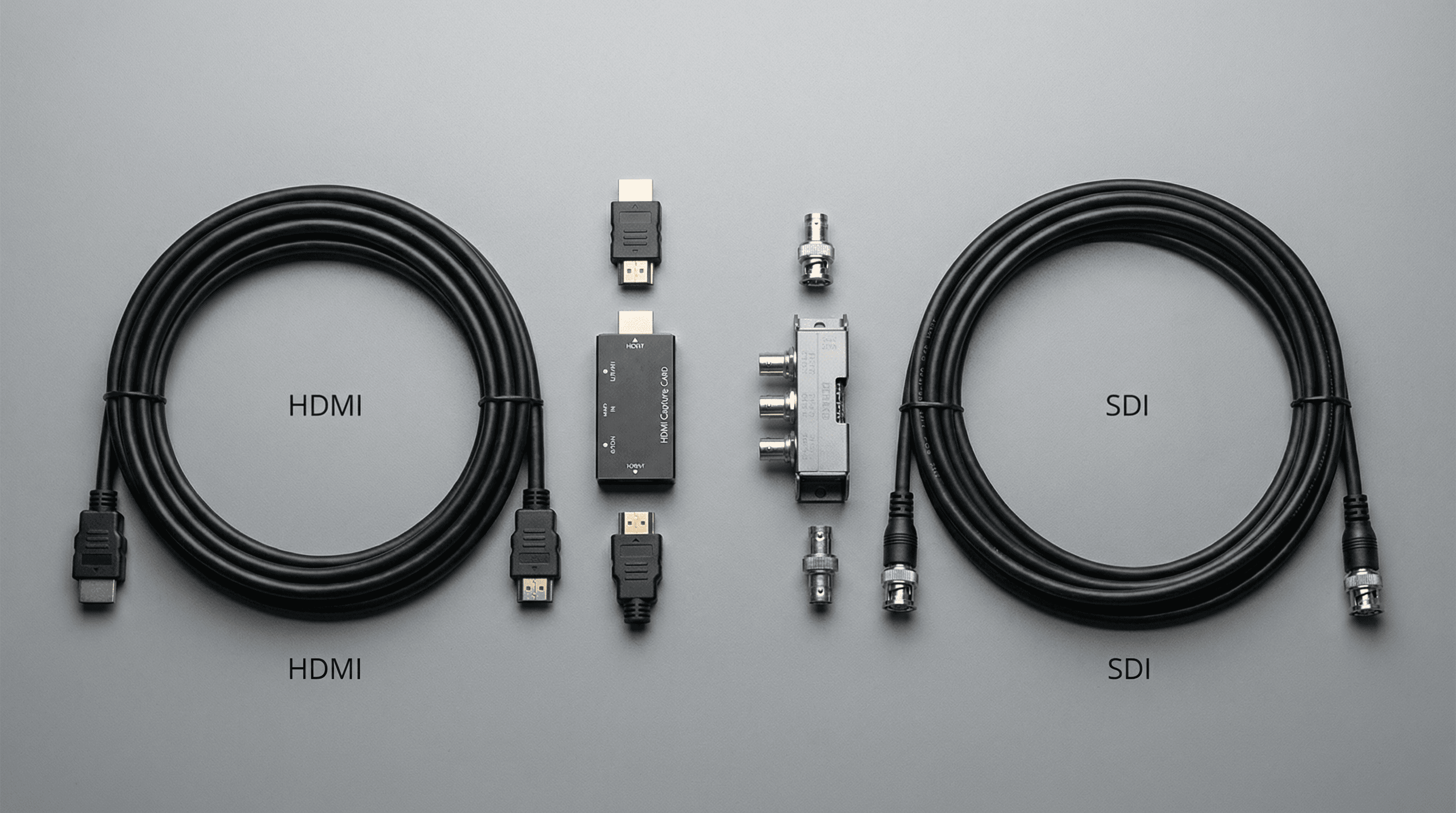
HDMI is the standard for consumer and prosumer gear: cameras, consoles, and PCs often output HDMI. Cable runs are typically limited to around 15m without extenders, and the connectors are the familiar flat, keyed plug you see on TVs and laptops. SDI is the broadcast standard: it runs over coaxial cable for long distances (100m+ with the right cable), uses lockable BNC connectors, and is common in studios and OB trucks. If your sources are HDMI (e.g. DSLR, console, consumer camera), an HDMI capture device is the right fit. If you're in a broadcast environment with SDI cameras and routers, an SDI capture device (or HDMI with an HDMI-to-SDI converter at the source) may be needed.
- HDMI – Best for: streaming, content creation, education, corporate, gaming. Short to medium cable runs. Ubiquitous on consumer devices. One cable type for source and display.
- SDI – Best for: broadcast, studio, long cable runs, rugged connectors. Requires SDI sources or converters. Locking connectors and robust cable make it the go-to for fixed installs and trucks.
When to Use What
If you're streaming from a console, a DSLR, or a PC's HDMI output, you're in HDMI territory. Stick with an HDMI capture device and keep cable runs under 5m where possible (or use an active HDMI cable or extender for longer runs). If you're in a studio with a full SDI router and cameras that output SDI, an SDI capture device keeps everything in one signal family and avoids unnecessary conversion. Mixed environments (e.g. one HDMI camera and an SDI router) can use an HDMI-to-SDI converter at the camera and then SDI to the capture device-or an HDMI capture device if the feed is converted to HDMI before it reaches the PC. The right choice depends on where the conversion happens and what the rest of your plant uses.
Magewell's Range
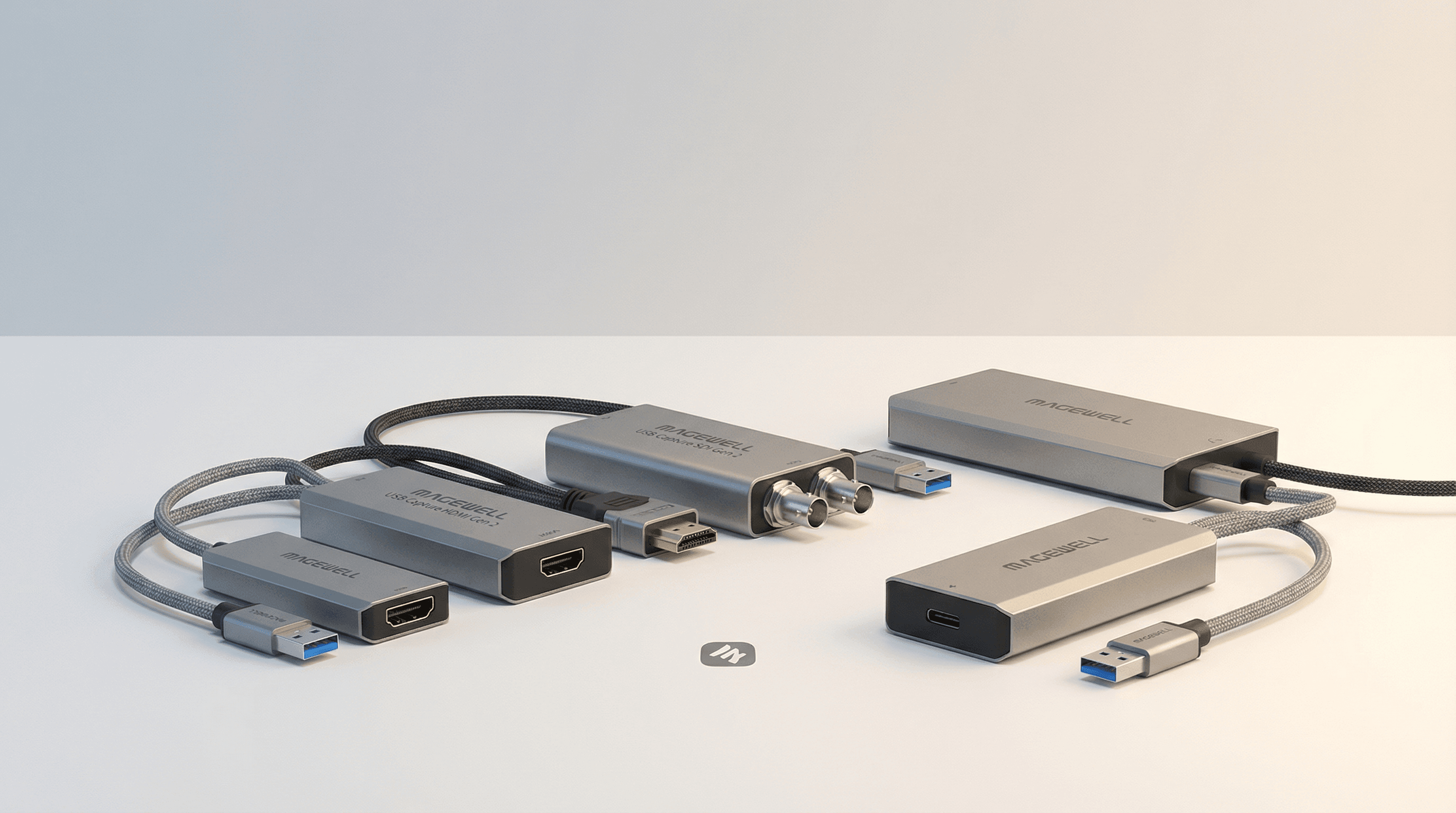
Magewell offers USB Capture HDMI (Gen 2 and others) for HDMI-only workflows, and USB Capture SDI models for broadcast. Some devices support both or offer 4K. Resolution and feature set vary by product. For a full side-by-side comparison of all 10 USB capture models with specs, prices, and use case recommendations, see the complete Magewell USB capture guide.
Next Steps
For a more detailed technical breakdown, read HDMI vs SDI Capture: Which Do You Actually Need? which includes spec tables and model-level recommendations. For a full side-by-side comparison of all USB capture devices, see the complete Magewell USB capture guide. Or browse all USB Capture products with UK pricing directly.