The first question anyone buying a Magewell USB capture device has to answer is: HDMI or SDI? Get it wrong and you have a device that physically cannot connect to your source. This guide tells you everything you need to know to get it right first time.
What is the actual difference between HDMI and SDI?
Both carry high-quality digital video and audio. The signal quality, when both are working correctly, is equivalent. The differences are in the physical connector, the cable, the intended application, and the operating environment they were designed for.
HDMI
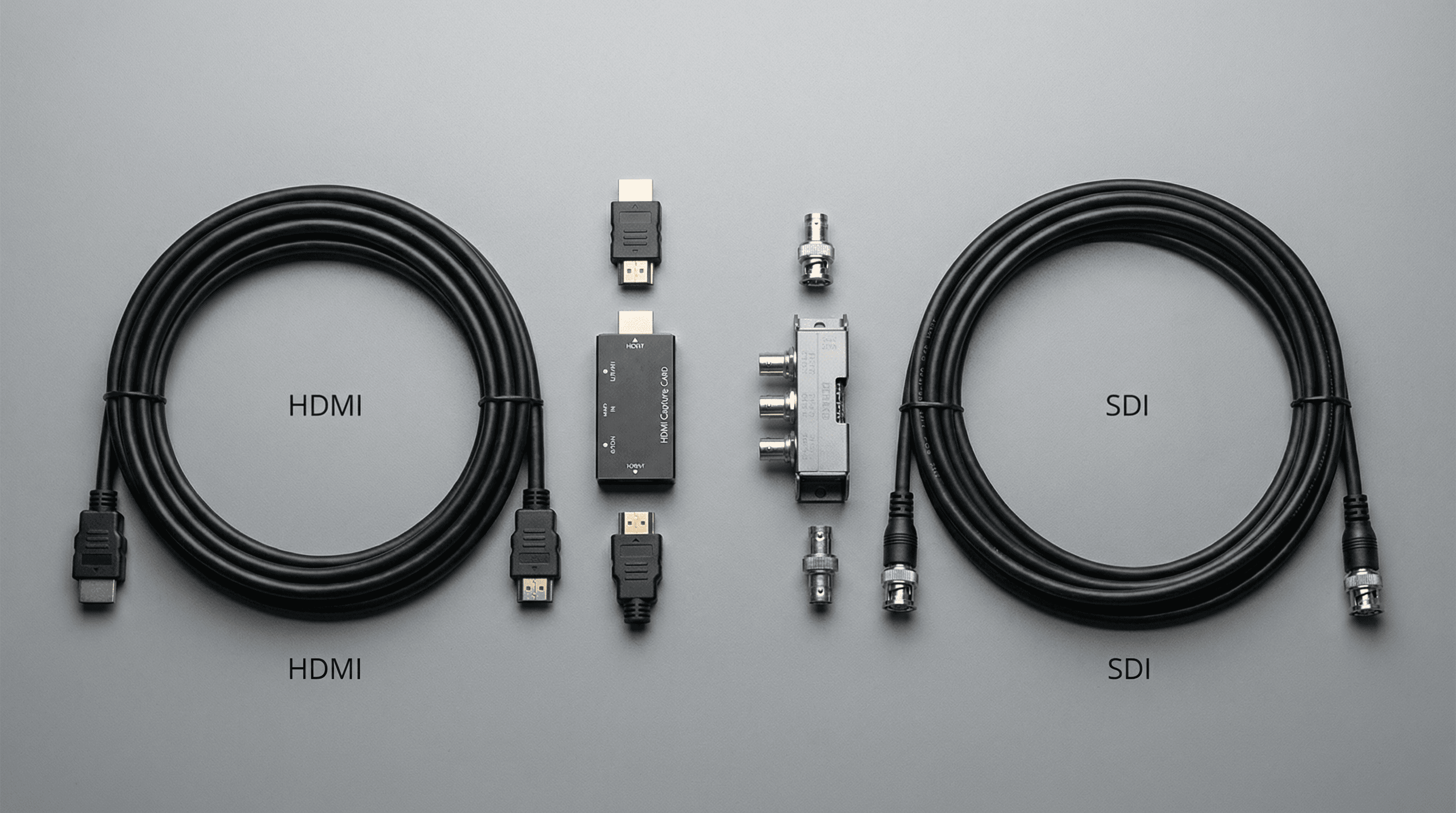
HDMI (High-Definition Multimedia Interface) is the consumer and prosumer standard. It is on every TV, gaming console, laptop, Blu-ray player, and most cameras sold since 2005. The connector is a flat, thin plug that slides in and out easily. That is both its strength (universal compatibility) and its weakness: it can fall out, and it has no locking mechanism.
HDMI cables have a practical limit of around 10-15 metres before the signal degrades. Active cables or extenders can push this further but add complexity and cost. HDMI also carries HDCP content protection, which can block capture from certain sources like streaming devices, Blu-ray players, and some set-top boxes.
SDI
SDI (Serial Digital Interface) is the professional broadcast standard. It uses a coaxial cable with a locking BNC connector that screws in place and cannot accidentally disconnect. Developed for television studios and broadcast facilities in the 1990s, it was designed to be used in environments where reliability is critical and cables must survive regular handling, long runs, and outdoor conditions.
SDI cable runs are massively longer than HDMI: up to 330 metres for SD-SDI, 190 metres for HD-SDI, and 150 metres for 3G-SDI. The Magewell USB Capture SDI Gen 2 handles all of these natively via its built-in cable equaliser. SDI has no content protection, so you capture whatever signal is there without handshake issues.
| Feature | HDMI | SDI |
|---|---|---|
| Connector | Flat plug, friction fit | BNC, locking screw |
| Max practical cable length | 10-15m (passive) | 150-330m depending on rate |
| Content protection | HDCP (can block capture) | None |
| Typical use | Consumer, prosumer | Broadcast, professional |
| Camera types | DSLRs, mirrorless, consumer cams | Broadcast ENG/studio cameras |
| 4K support | HDMI 2.0 up to 4K60 | 12G-SDI up to 4K60 |
Choose HDMI capture if...
- Your camera or source has an HDMI output (Sony mirrorless, Canon DSLR, GoPro, HDMI laptop output)
- You are capturing from a gaming console (PS5, Xbox Series X/S, Nintendo Switch)
- Your source is a laptop, desktop, or presentation PC
- Cable runs are under 15 metres
- You work in streaming, content creation, education, conferencing, or corporate video
- Budget is a priority and you want the most affordable option
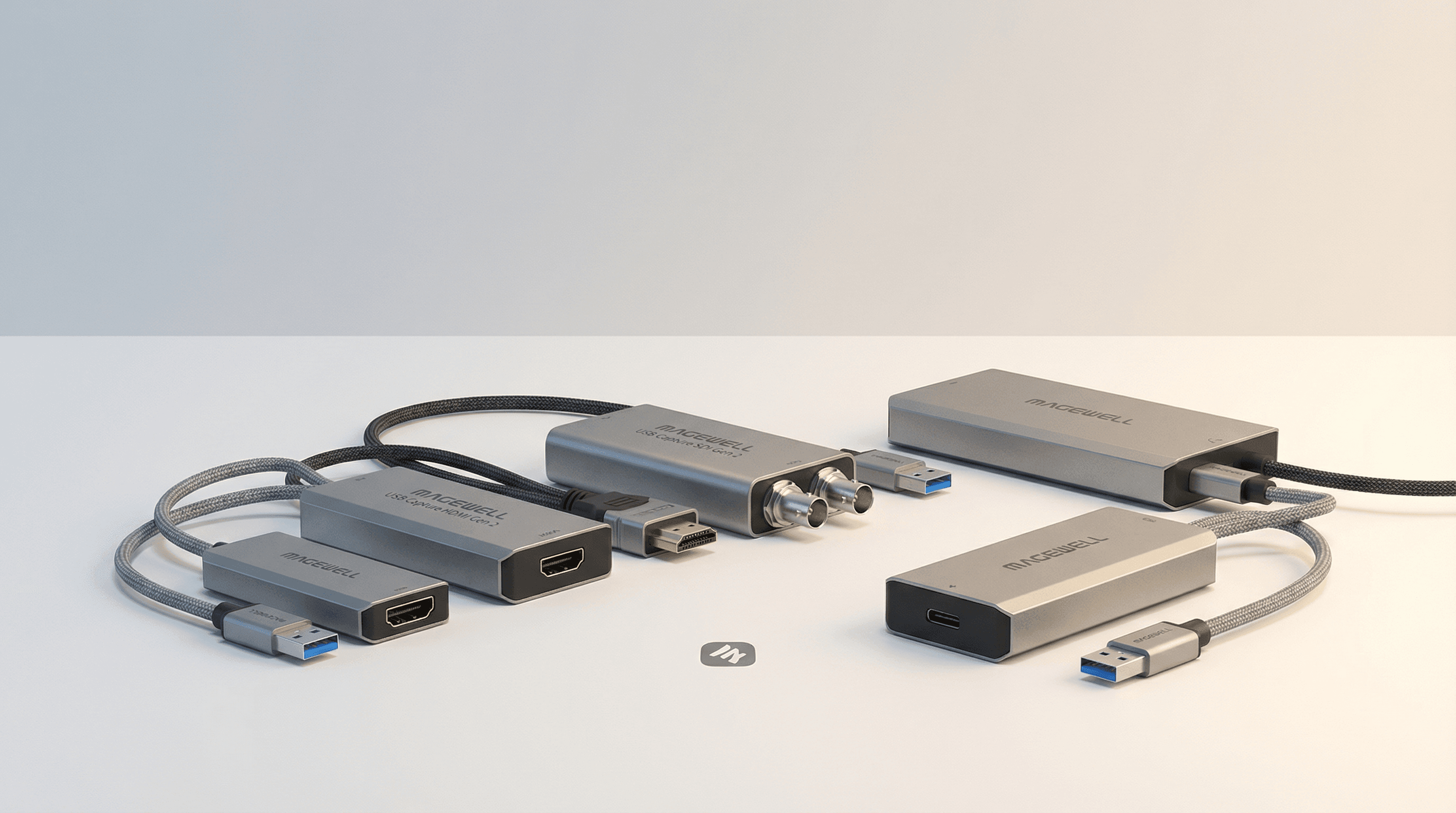
The USB Capture HDMI Gen 2 at £231.05 ex VAT is the right starting point for most HDMI workflows. Add the HDMI Plus at £287 ex VAT if you need a loop-through to monitor on a local screen. Step up to the HDMI 4K Plus at £385.65 ex VAT for 4K60 capture.
Choose SDI capture if...
- Your camera has a BNC SDI output (Sony, Blackmagic, Panasonic broadcast or ENG camera)
- You need cable runs longer than 15 metres (SDI handles up to 150-330m)
- Connectors must lock and cannot accidentally disconnect (live events, installed systems)
- Your signal passes through a broadcast router, distribution amplifier, or production switcher
- You work in broadcast, live events, sports production, or OB van environments
- You need to embed audio from an external mixing desk into the captured stream
- Content protection (HDCP) is causing capture issues on HDMI sources
The USB Capture SDI Gen 2 at £233.33 ex VAT is the entry point. The SDI Plus at £277.25 ex VAT adds a 3.5mm line-level audio input for embedding external audio from a soundboard. For 4K SDI, the SDI 4K Plus (6G-SDI, 4K30) and SDI 4K Pro (12G-SDI, 4K60) cover the full broadcast 4K spectrum.
Mixed environment: consider the AIO
If you regularly encounter different signal types, the USB Capture AIO at £375 ex VAT accepts HDMI, 3G-SDI, DVI, VGA, Component, Composite, and S-Video in a single device. AV integrators and rental companies typically find this the most cost-effective option when they cannot predict what signal will be at the end of a cable on a given day.
What about DVI and VGA?
Older systems, particularly medical imaging equipment, industrial control displays, and pre-2010 computers, often output DVI or VGA. The USB Capture DVI Plus at £335 ex VAT handles DVI-D, analog VGA (via DVI-I), HDMI (via adapter), and Component, making it the specialist choice for legacy and medical capture applications where the primary display must remain connected via the included loop-through output.
The full USB capture range
See the complete Magewell USB capture guide for a full comparison of all 10 models, use case recommendations, and a side-by-side spec table. All devices are stocked in the UK by StreamKit, an authorised Magewell reseller listed by Forefront Imaging, with free UK delivery and 3-year warranty.