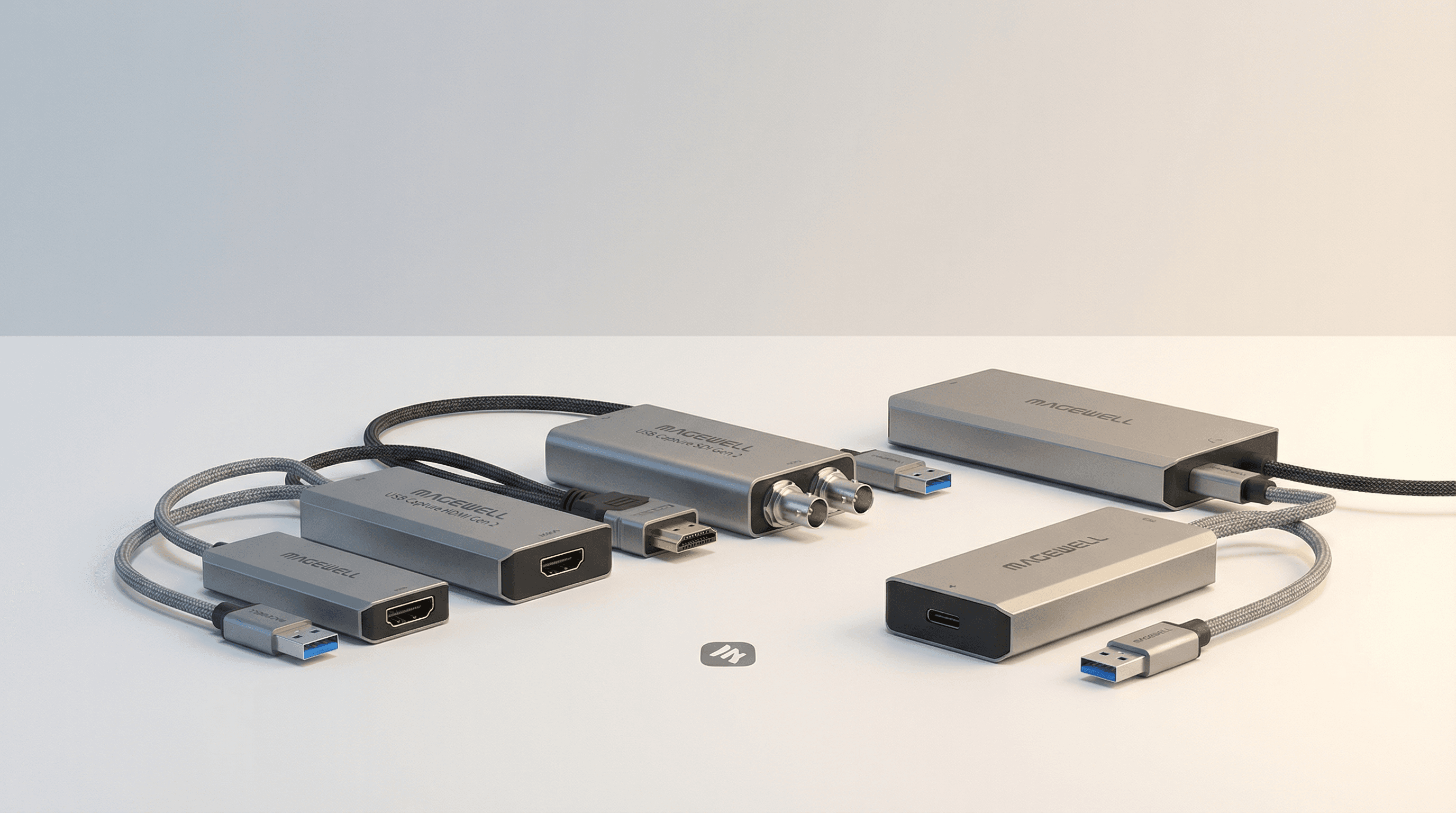
Magewell's Pro Capture range is the gold standard for permanent PCIe capture installations. It is also one of the more confusing product lines to navigate if you are buying for the first time. Here is a structured breakdown to get you to the right card without overspending or under-specifying.
Step 1: HDMI, SDI, DVI, or AIO?
The first decision is signal type. This is determined by your source equipment, not your preference.
- HDMI: Consumer cameras, DSLR/mirrorless, gaming consoles, presentation systems, most AV equipment produced after 2012. The majority of buyers need an HDMI card.
- SDI: Professional broadcast cameras, video routers, and switchers. SDI carries longer distances over coax without signal loss. If your camera has a BNC connector labelled SDI, you need an SDI card.
- DVI: Legacy computer monitors and some older medical or industrial displays. Less common now, but still relevant for archive digitisation and fixed AV installs.
- AIO (All-In-One): One card with HDMI, SDI, DVI, and analogue inputs. Useful when your signal type is not fixed or you work across mixed-format environments.
Step 2: How Many Channels?
Each physical input on a Pro Capture card is a fully independent capture channel with its own FPGA. More channels on one card means fewer PCIe slots used and often better value per channel.
- Single channel (e.g. Pro Capture HDMI, £215): One camera or one source. Lecture capture, single-camera broadcast ingest, remote desktop recording.
- Dual channel (e.g. Pro Capture Dual HDMI, £400): Two independent sources. Interview setups, two-camera live production, ISO recording for post.
- Quad channel (e.g. Pro Capture Quad HDMI, £693): Four simultaneous sources. Multi-camera production, sports production, high-density ingest racks.
- Six channel (Pro Capture Hexa CVBS, £431): Six analogue composite channels. Legacy CCTV, analogue archive digitisation.
You can install multiple cards in one machine. The Magewell SDK enumerates each channel as a separate capture device, so vMix, OBS, or your preferred software sees them individually.
Step 3: Do You Need 4K?
Standard Pro Capture cards handle up to 2048x2160 at up to 60fps depending on the model. The 4K Plus variants handle 3840x2160 at 60fps from 4K sources.
Choose a 4K Plus card when: your camera outputs 4K, you are capturing from a 4K source for archive, or your broadcast workflow requires 4Kp60 deliverables. The 4K Plus cards also add HDR/HLG support and, on most models, a loop-through output so you can monitor the source on a display while capturing.
For standard HD broadcast (1080p50/60 or 1080i) a standard Pro Capture card is sufficient and more cost-effective.
Step 4: Does It Need to Be a Mini?
The Pro Capture Mini HDMI and Mini SDI use a half-length PCIe card. They fit in compact 1U servers and small-form-factor workstations where a full-length card physically cannot install. If your chassis supports full-length cards, there is no functional difference, just choose the standard model.
Buying in the UK
StreamKit is an authorised UK Magewell reseller. Every Pro Capture card we stock comes with the full Magewell 3-year warranty, free mainland UK delivery, and UK-based technical support. If you are not certain which card matches your system, send us your signal format, resolution, and frame rate and we will confirm the right SKU before you order.
Browse the complete Magewell Pro Capture range with UK pricing and stock status.