Some USB capture devices include an HDMI output that mirrors the input, often called loop-through or passthrough. Others take HDMI in only. Choosing the right type saves you cable clutter and avoids black screens when you only have one HDMI port on the source.
What Loop-Through Does
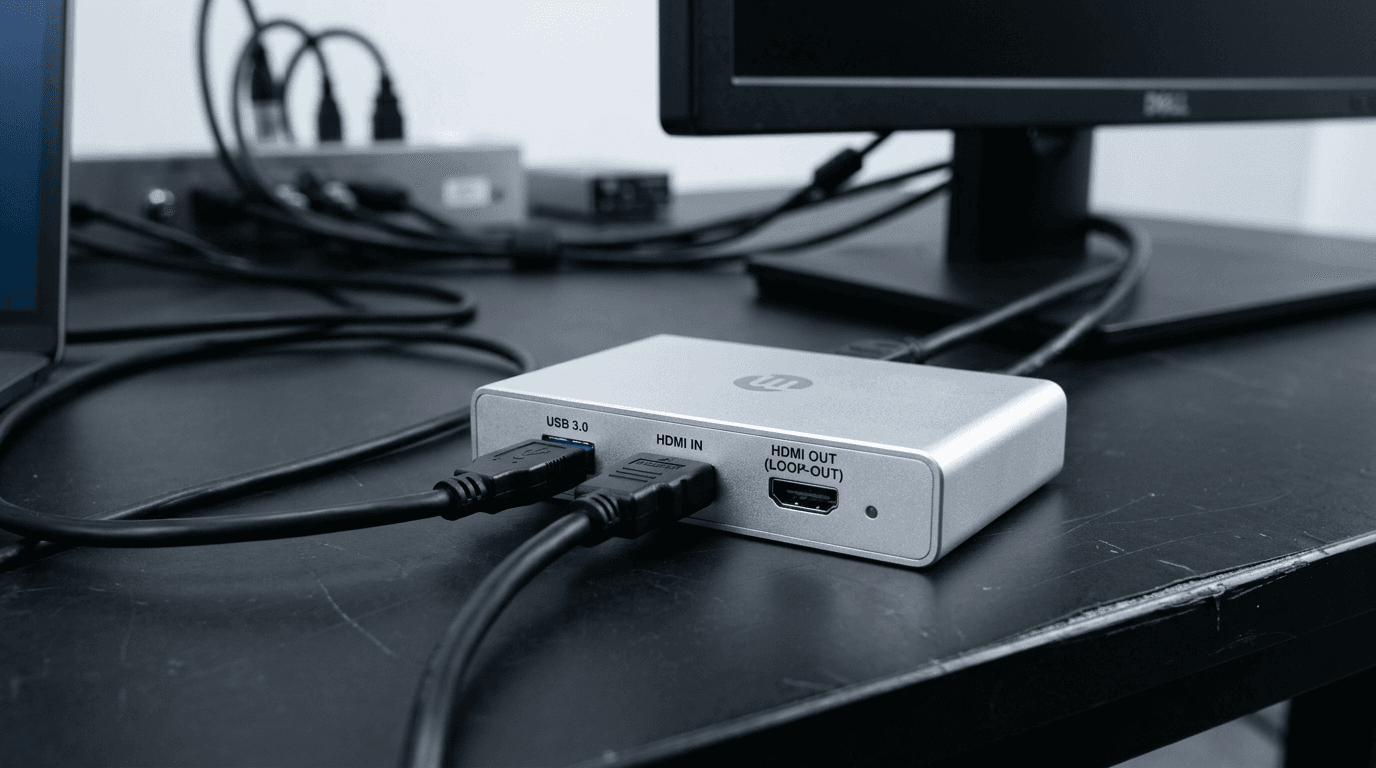
Loop-through duplicates the incoming HDMI signal: one path goes to the capture chipset (then to USB as UVC video), the other goes unchanged to a monitor, projector, or downstream switcher. Latency on the passthrough port is typically low enough for comfortable monitoring, you are not watching the USB path for gameplay.
When You Need It
- Single HDMI output on a laptop or mini PC, You cannot send one cable to capture and another to a desk monitor without a splitter or a Plus-style device.
- Conference room PC, One HDMI from the podium machine: capture for Teams or Zoom and feed the room display from the loop-through port.
- Console + TV, Console HDMI into capture, loop-through to the TV; streaming PC receives the feed over USB.
When You Can Skip It
If your GPU, switcher, or camera has two independent HDMI outputs, one to the monitor, one to capture, a standard USB Capture HDMI Gen 2 is simpler and often sufficient. Many desktop gamers run DisplayPort to the monitor and HDMI to capture.
Magewell Options
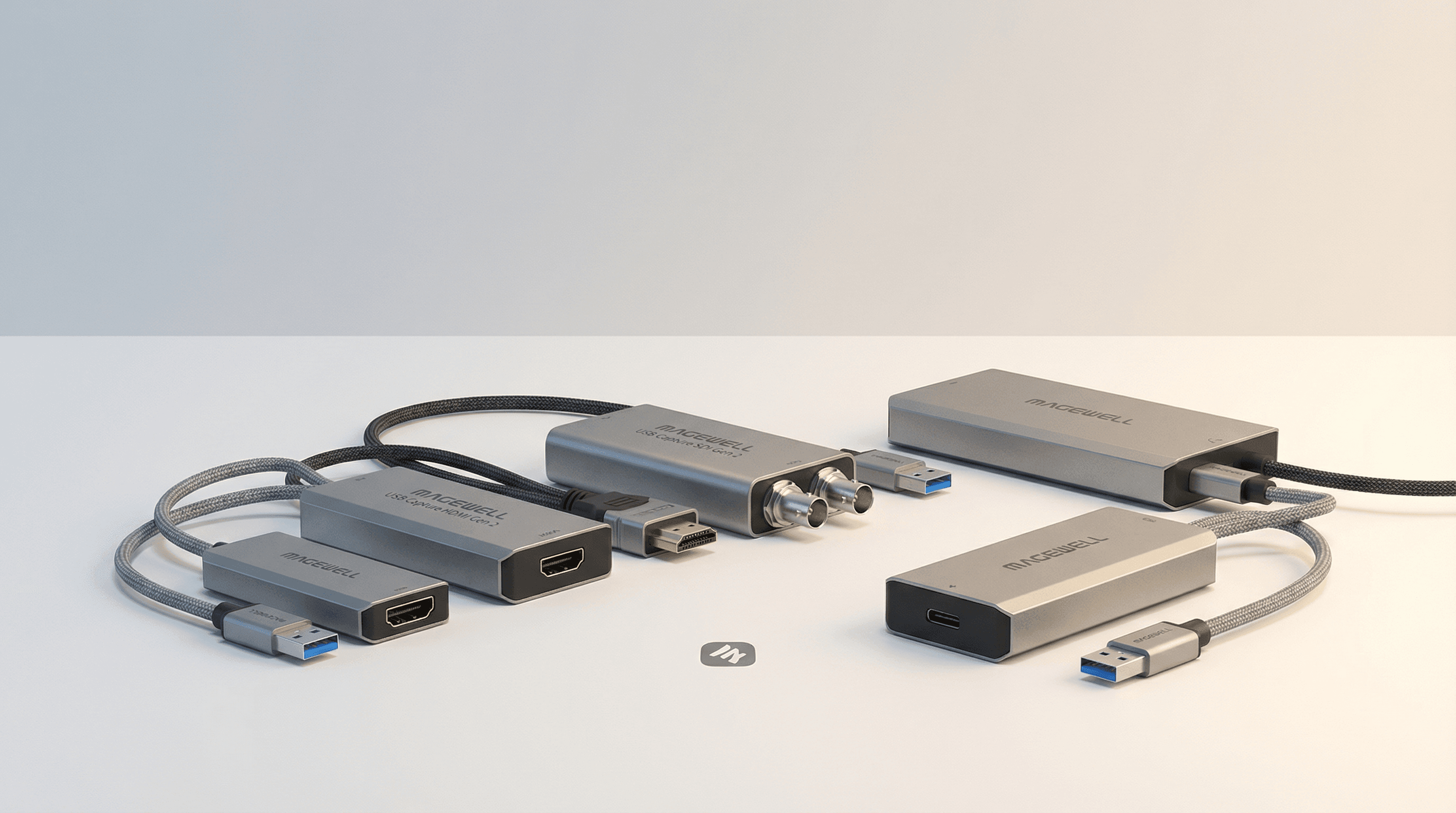
Magewell's Plus variants (e.g. USB Capture HDMI Plus, SDI Plus, 4K Plus where applicable) include loop-through on the appropriate models. Compare specs on each product page, StreamKit lists genuine UK SKUs with warranty and support.
Next Steps
Still comparing HDMI vs SDI or Gen 2 vs 4K? Read our HDMI vs SDI guide or ask the StreamKit team for a recommendation matched to your ports and resolution.