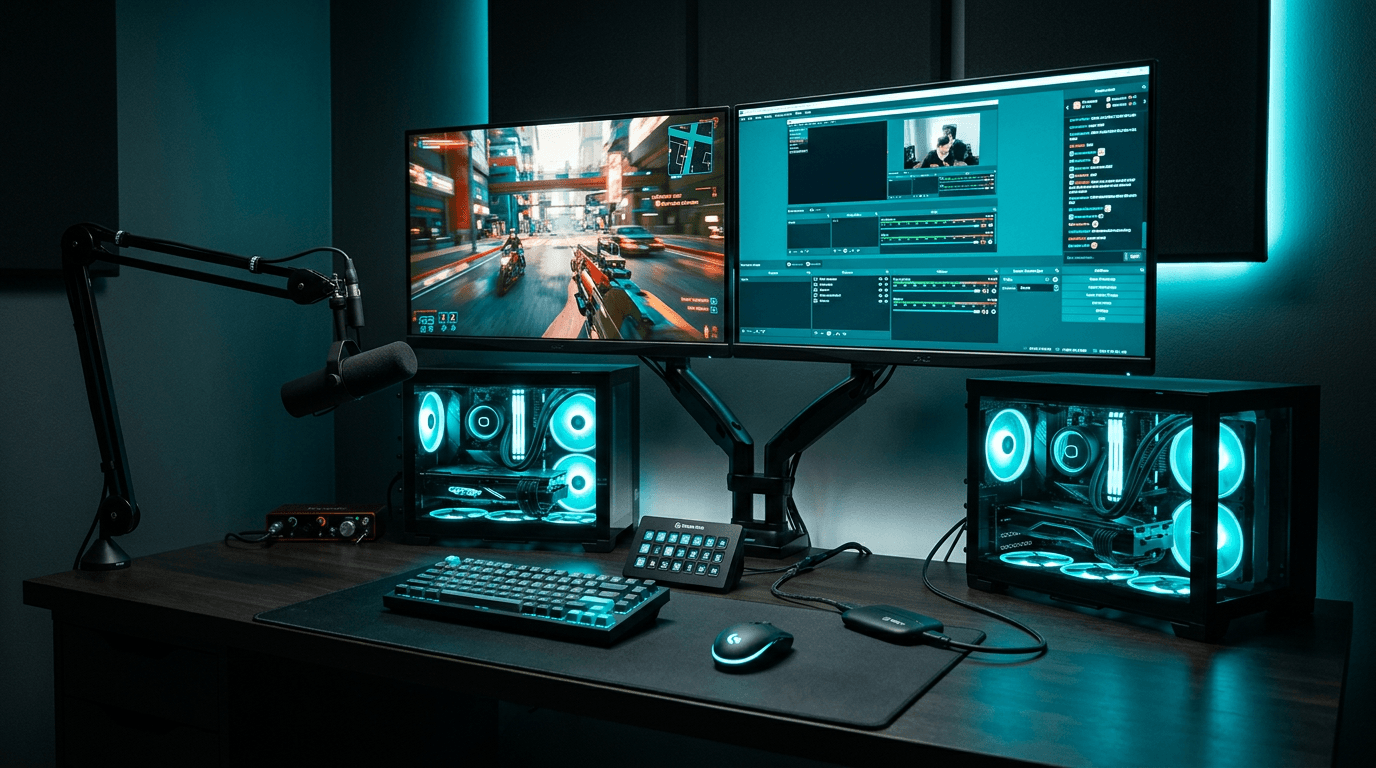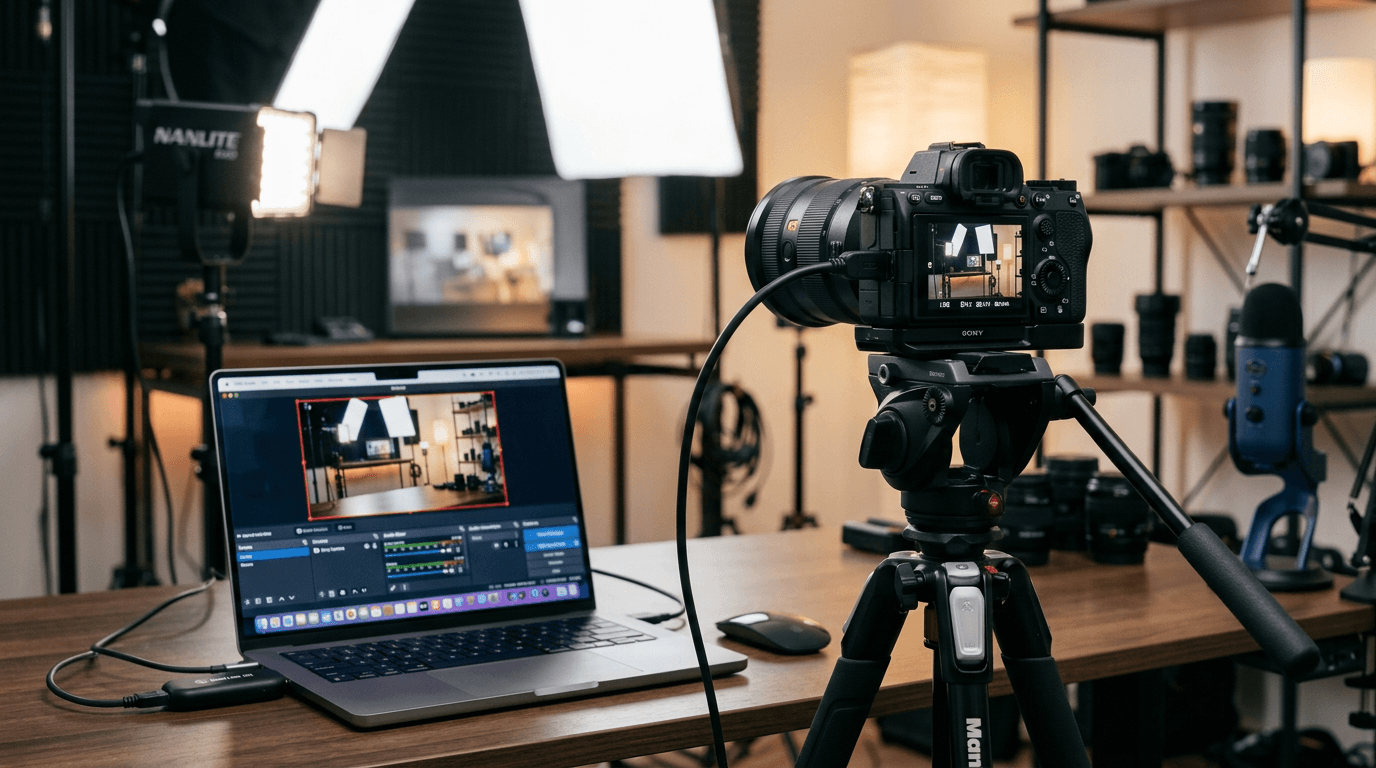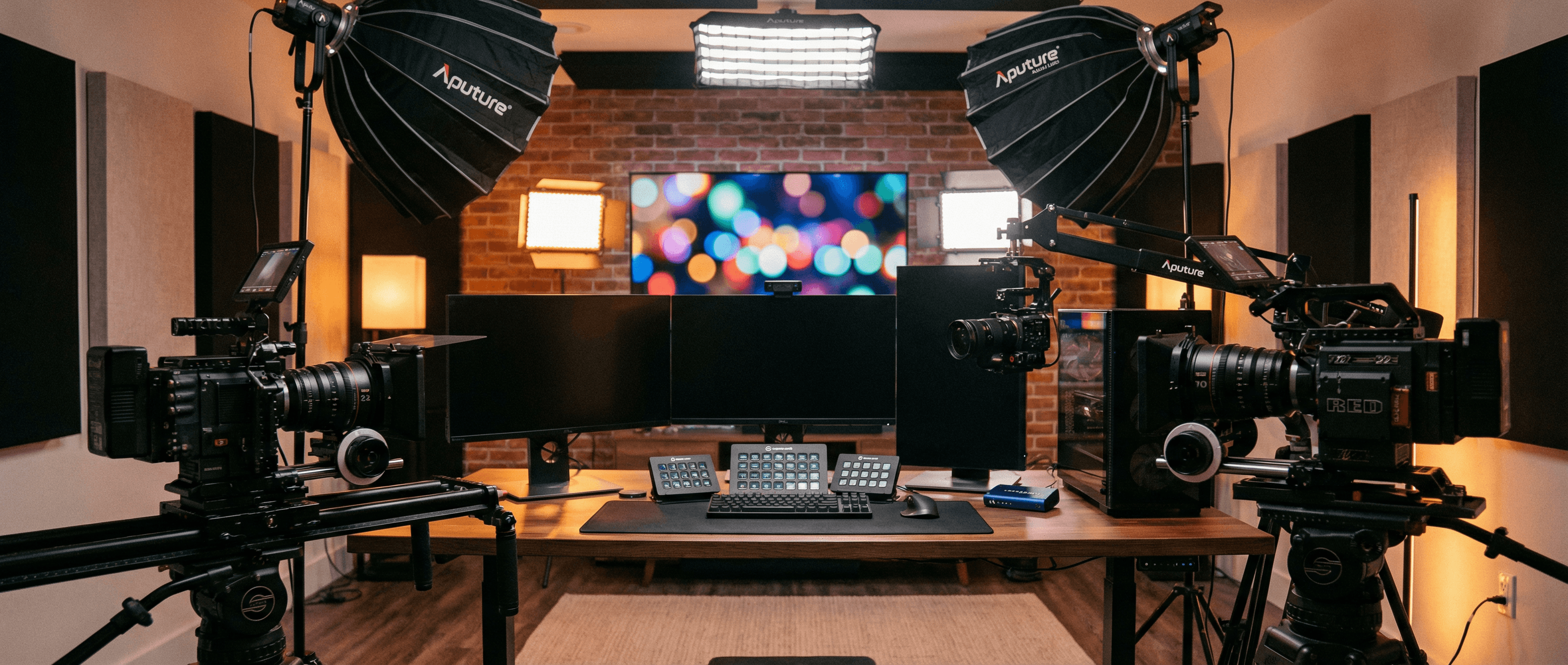
Consumer capture dongles are cheap for a reason-and that reason usually shows up mid-stream when your frames tank and chat starts asking if you're still there. For reliable, multi-camera streaming and content creation, professional USB capture devices deliver broadcast-grade quality without turning your PC into a wind tunnel.
Why Streamers Choose Professional Capture Hardware
If you've ever had a stream drop frames, audio go out of sync, or your PC fans spin up the moment you add a second camera, you've hit the limits of consumer-grade capture. The difference isn't magic; it's where the work happens. Professional USB capture devices like Magewell's USB Capture HDMI Gen 2 use onboard FPGA processing to handle scaling, deinterlacing, and format conversion in hardware. Your computer receives a ready-to-use video stream, leaving CPU headroom for encoding, overlays, and actually running your game-or your chat bot.
- Zero CPU usage on capture – The device does the heavy lifting; your CPU can focus on x264, NVENC, or that one Chrome tab you forgot to close.
- Multi-camera workflows – Add several USB capture devices for different angles without overloading your system. Face cam, gameplay, guest cam, B-roll: each gets its own lane.
- OBS and Streamlabs ready – Presents as a standard UVC device; add as a source and go. No obscure drivers, no "run as administrator" roulette.
- Low latency passthrough – Gameplay or camera feed with minimal delay for real-time monitoring. What you see is what your audience gets (minus encoding).
Use Cases: From Solo to Squad
Whether you're a solo creator with one camera and a console, or a small team running multiple cameras and a graphics PC, the same principles apply. One USB Capture HDMI Gen 2 can handle your face cam or gameplay; add more for additional cameras or remote guests. Driver-free on Windows, Mac, and Linux means you can focus on content, not driver archaeology. Many streamers start with a single device for console or DSLR and add a second when they level up to multi-cam-no need to replace anything, just plug in another.
Podcast-style setups with two or three talking heads are a natural fit: one Magewell per camera, one PC, and your favourite streaming or recording software. Same story for creators who switch between gameplay and face cam or use a separate feed for product demos. The flexibility is in the USB port count and your imagination.
Resolution, Format, and the 1080p Sweet Spot
Most streaming platforms cap out at 1080p60 (or 900p for stability), so a 1080p60-capable device like the USB Capture HDMI Gen 2 covers the vast majority of use cases. If you're pushing 4K to YouTube or running a local recording in 4K for later edit, you'll want a 4K-capable Magewell model-same plug-and-play idea, bigger pipeline. HDR passthrough matters if you're capturing from a 4K HDR console; again, the 4K product line has you covered.
Input compatibility is straightforward: if it outputs HDMI, the Magewell will accept it. Consoles, DSLRs, mirrorless cameras, gaming PCs, set-top boxes, and HDMI-out dongles all work. Just match the resolution and frame rate to what your software and platform expect, and you're in business.
Real-World Tips: Cables, USB, and Peace of Mind
Use a decent HDMI cable-especially if you're running 4K or long cable lengths. Cheap cables can cause dropouts or "no signal" headaches that look like a device fault when they're not. On the USB side, plug into a USB 3.0 port directly on the PC when you can; unpowered hubs can starve the device of bandwidth and lead to stutter or disconnects. If you're running multiple capture devices, spreading them across different USB controllers (different sides of the laptop, or different root hubs on a desktop) often helps.
Finally, give your machine a moment after plugging in. The OS needs a few seconds to enumerate the device; opening OBS or your capture app right after plugging in can sometimes show "no device" until the driver stack catches up. Once it's there, it stays there-reliable enough for daily streams and marathon recording sessions alike.
Next Steps
Choosing the right capture device depends on your resolution (1080p vs 4K), number of sources, and whether you need HDMI only or SDI for broadcast-style gear. Browse our USB Capture range or contact our team for advice tailored to your setup. All StreamKit orders include free UK shipping and a 3-year warranty-so you can focus on the stream, not the hardware lottery.