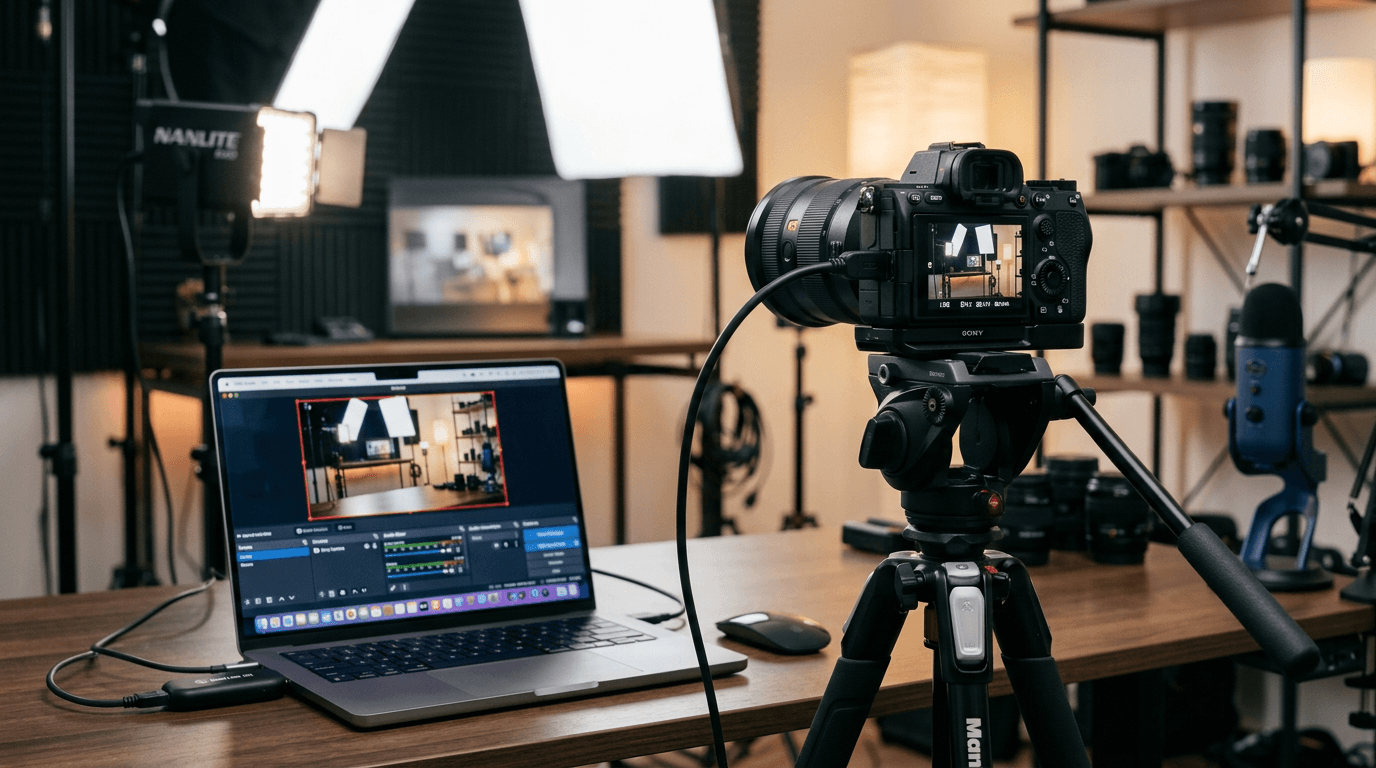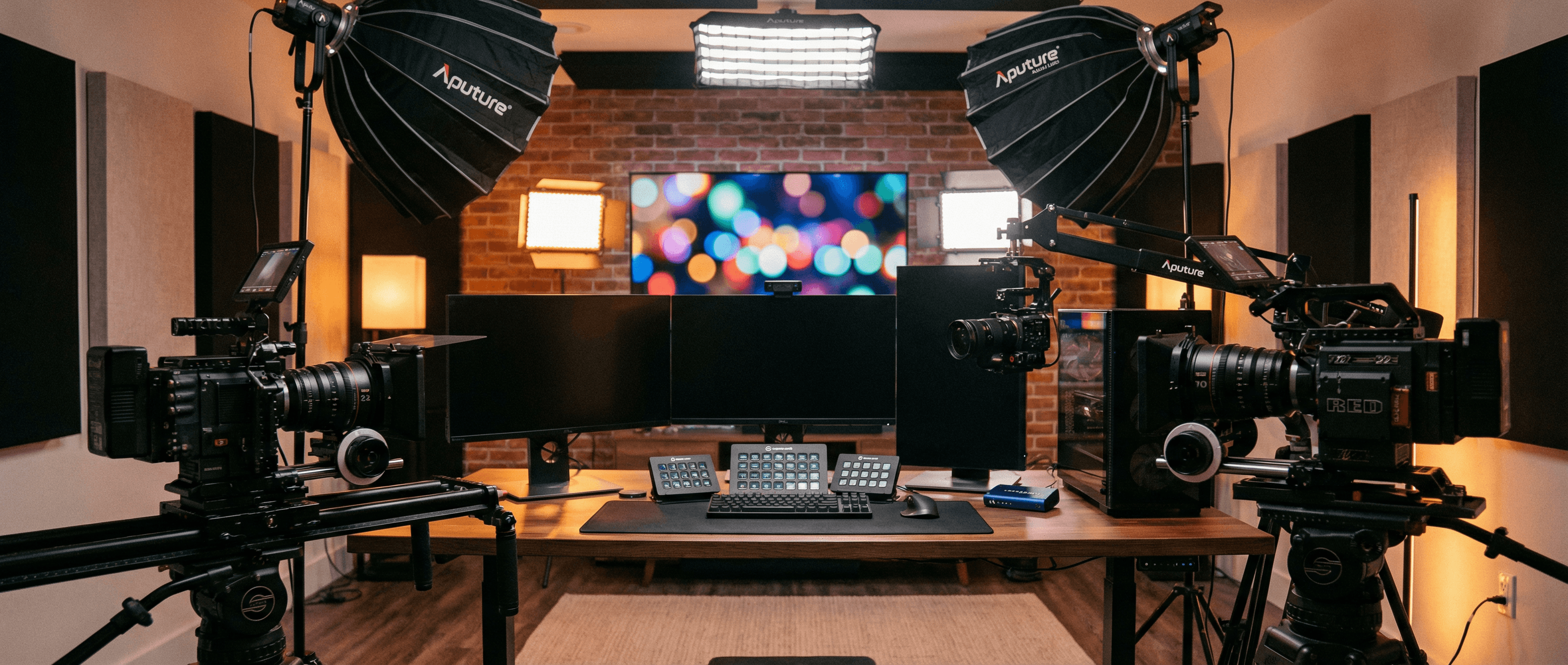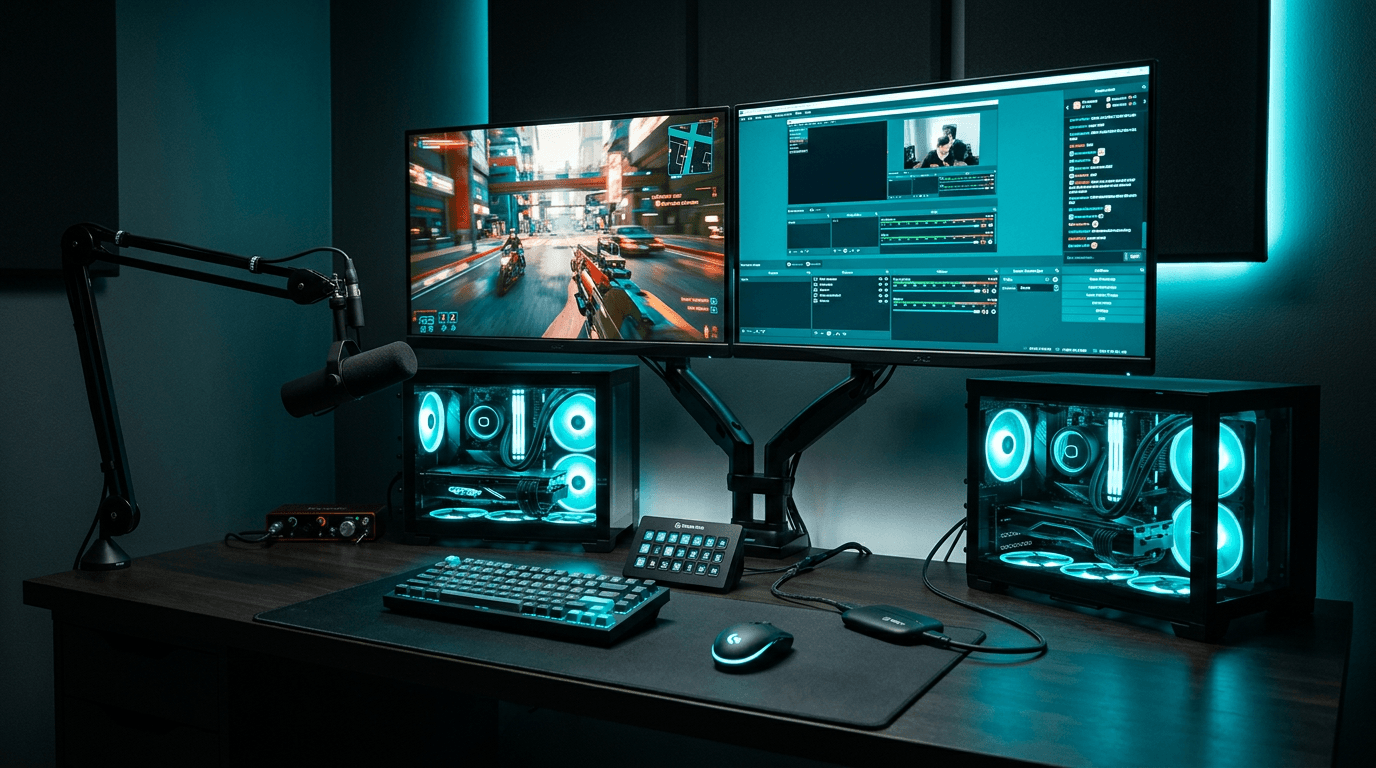
Running your game and your encoder on the same machine works until it does not. A second PC dedicated to OBS, vMix, or Streamlabs, fed by a professional USB capture device from your gaming PC's HDMI output, is still one of the most reliable ways to keep frame rates and stream quality high.
Why Use Two PCs?
Modern games and modern encoders both want CPU and GPU time. NVENC on a single PC helps, but you are still sharing PCIe bandwidth, USB controllers, and thermal headroom. Moving encoding, browser sources, chat overlays, and alerts to a second machine isolates failure: if OBS hiccups, your game does not stutter. If Windows Update reboots the streaming box overnight, you still have a clean gaming install.
- Stable frame pacing on the gaming PC, No x264 or heavy browser tabs competing with the title you are playing.
- Higher-quality encoding settings, The streaming PC can run slower presets or higher bitrates without touching game performance.
- Easier troubleshooting, Capture issues stay on one side of the HDMI cable; game issues on the other.
The Signal Chain
Typical layout: Gaming PC GPU HDMI out → (optional) splitter or monitor with passthrough → USB capture device on the streaming PC → OBS or vMix as a UVC video source. Your gaming monitor usually takes a duplicate feed from the GPU's second port, or you use a Magewell USB Capture HDMI Plus with hardware loop-through so the monitor sees the same signal the capture device sees.
Match resolution and refresh rate to what your capture device supports. For 1080p high-refresh gaming, 1080p60 capture is the common streaming target; for 4K sources, choose a 4K-capable Magewell USB Capture model and downscale in software if the platform caps at 1080p.
What to Buy
For 1080p60 from a gaming PC, the USB Capture HDMI Gen 2 is the standard choice: driver-free UVC, FPGA processing, metal housing. If you need a monitor connected on the same HDMI run without a second GPU port, consider the USB Capture HDMI Plus with loop-through. For PS5 or Xbox Series X at 4K60 HDR, step up to the 4K Plus line.
Use a quality HDMI 2.0 cable for 4K paths; use separate USB 3.0 root hubs when running multiple capture devices on the streaming PC.
Next Steps
Browse genuine UK Magewell USB Capture stock from StreamKit, free mainland shipping and 3-year warranty. Not sure which model matches your GPU outputs? Contact us with your graphics card ports and target resolution.