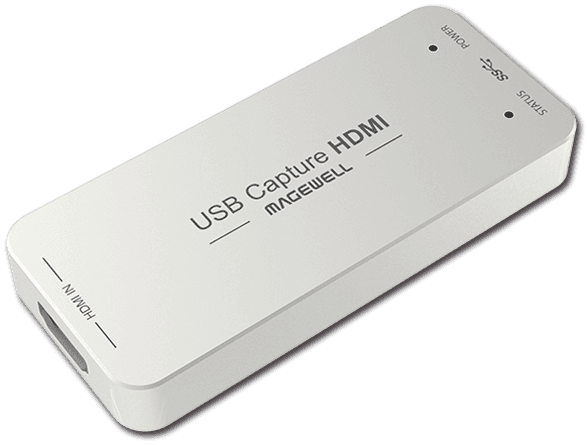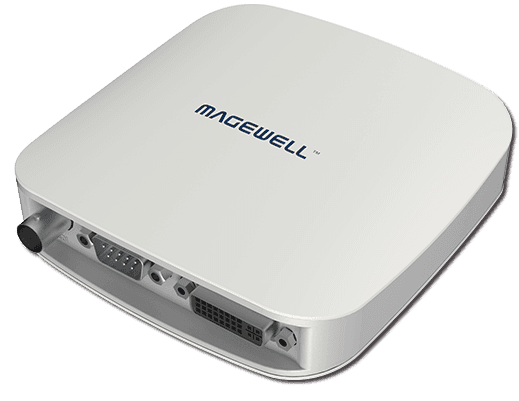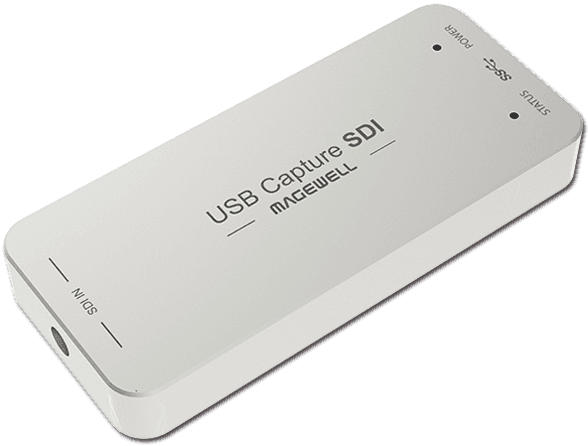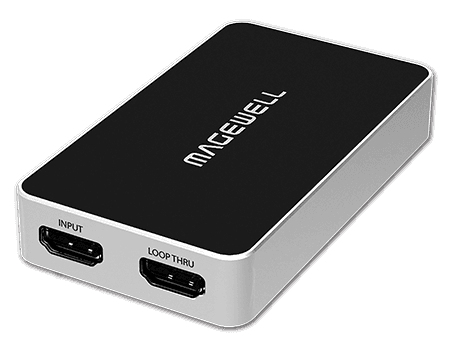
IN THE BOX
- Digital download, no physical media
- Available from the Magewell downloads page
Unlock the Full Potential of Your Magewell Device
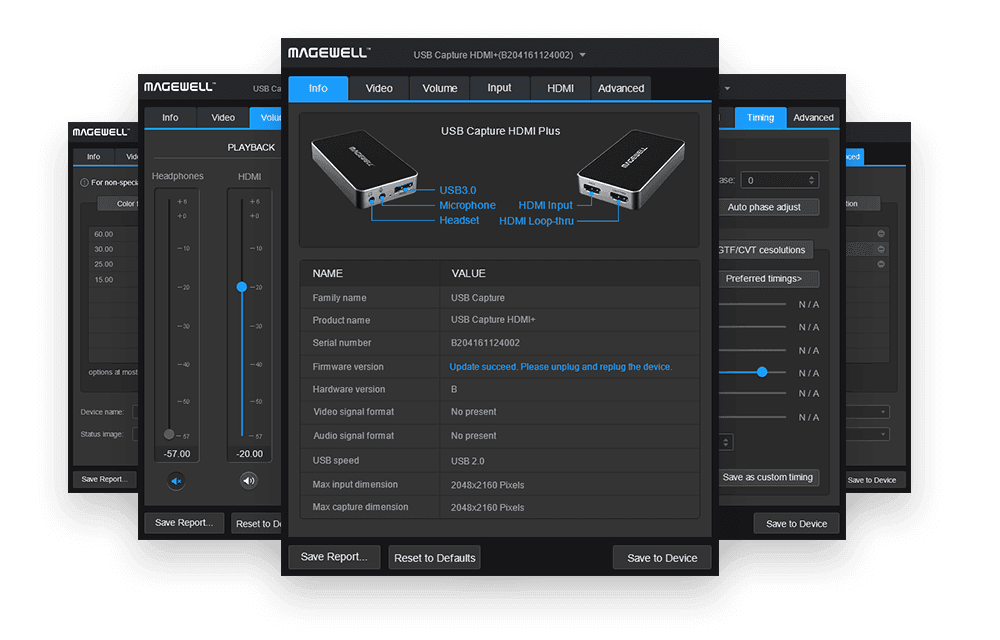
The USB Capture Utility V3 is the companion software that gives you granular control over your Magewell USB capture device. While Magewell hardware works perfectly out of the box, power users and AV professionals often need to fine-tune settings that standard drivers don't expose.
What Can You Do With It?
From custom EDID management and colour space adjustment to image rotation, cropping, and real-time signal diagnostics, this utility puts you in full control. It's also the tool for firmware updates, ensuring your device always runs the latest software with the newest features and compatibility improvements.
The clean, intuitive interface makes it easy to check input signal status, adjust brightness and contrast, configure audio routing, and export diagnostic information for troubleshooting.
Cross-Platform Support
The USB Capture Utility V3 runs on Windows, macOS, and Linux, ensuring you can manage your Magewell devices regardless of your preferred operating system.
KEY FEATURES
- Custom EDID management, control what your source device sees
- Firmware update tool, keep your device current
- Real-time signal status monitoring and diagnostics
- Colour space and brightness/contrast adjustments
- Image flip, mirror, rotation, and cropping controls
- Audio routing and volume configuration
- Export diagnostic logs for technical support
- Works on Windows, macOS, and Linux
IDEAL FOR
EDID Management
Set a custom EDID to control what resolution and refresh rate your source device outputs. Essential for tricky HDMI handshake issues and non-standard displays.
Firmware Updates
Keep your Magewell USB Capture device running the latest firmware with new features, bug fixes, and improved compatibility. One-click update process.
Signal Diagnostics
Monitor real-time input signal status including resolution, frame rate, colour format, and audio channels. Invaluable for troubleshooting capture issues.
Colour Adjustment
Fine-tune brightness, contrast, hue, and saturation. Adjust colour space conversion settings for accurate colour reproduction in your captured video.