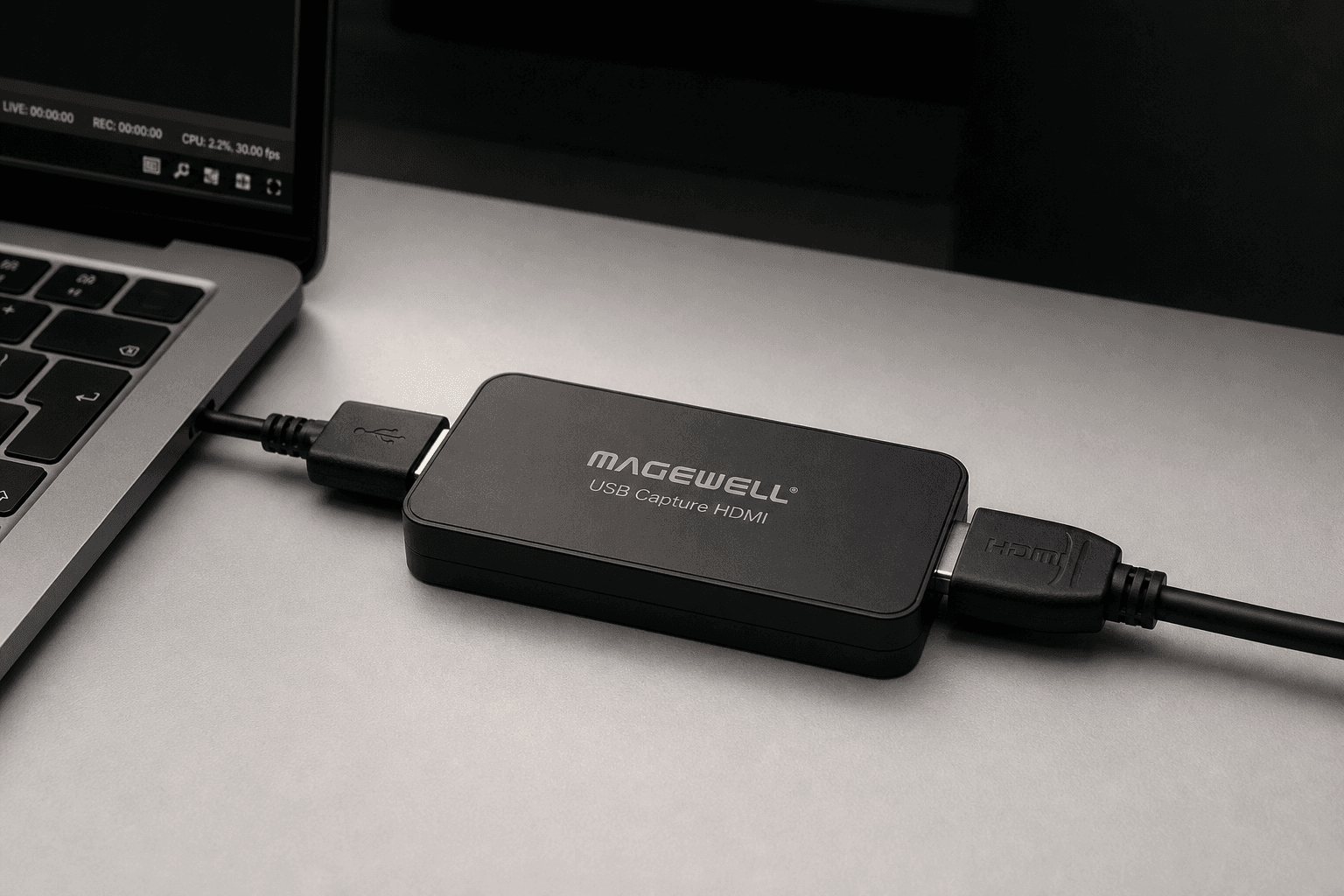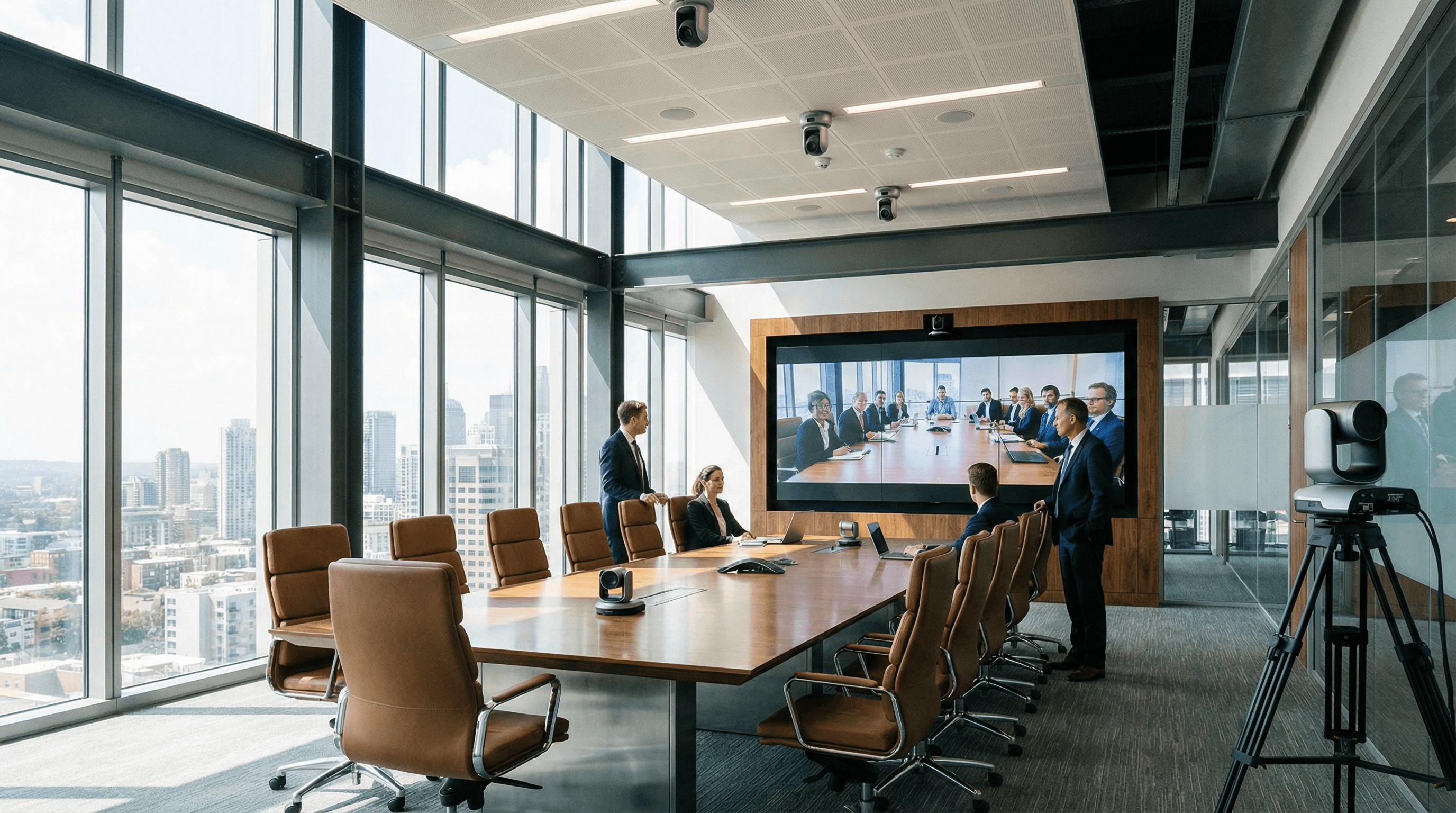
Recording presentations, training sessions, and hybrid meetings shouldn't depend on fragile consumer dongles that vanish from the cupboard or need a driver dance every time IT rolls out an update. Professional USB capture devices offer driver-free deployment and reliability that IT teams can actually trust-and that means fewer 3pm "the room isn't working" tickets.
What Enterprises Need from Video Capture
In corporate environments, video capture is used for recording town halls, training sessions, and hybrid meetings. Requirements typically include compatibility with Zoom, Microsoft Teams, and other conferencing tools; minimal IT overhead (ideally no custom drivers); and the ability to scale across multiple rooms. Magewell USB capture devices appear as standard UVC cameras, so they work with virtually any software that supports webcams-including Teams and Zoom. No vendor lock-in, no "approved device" list archaeology.
- Driver-free – Plug into Windows or Mac; no admin rights or driver installs required. That's a win for locked-down corporate images and for remote or hot-desk setups.
- Multi-room – Deploy the same device across meeting and training rooms for a consistent experience. One SKU, one support story.
- Stable and supportable – No mysterious dropouts mid-call; fewer support tickets and happier staff. When something does go wrong, it's usually cable or source-easy to isolate.
Best Practice: One Device Per Source
For rooms with a main presentation feed and an optional document camera or second camera, use one USB capture device per HDMI source. This keeps signal paths simple and makes it easy to add or replace sources without reconfiguring the whole room. If the room PC is replaced or the software stack changes, the capture layer stays the same-just standard video devices. That predictability is worth a lot when you're managing dozens of spaces.
Training rooms often need a mix: the trainer's laptop or room PC, a document camera for handouts or demos, and sometimes a second camera for the room. Three HDMI sources, three Magewell devices, one USB hub or spread across the PC's ports. The software (Zoom, Teams, or your lecture-capture platform) sees three cameras and can record or stream any combination. No special drivers, no "only works on Tuesdays" behaviour.
Hybrid Meetings and the Remote View
Hybrid meetings only work when the remote audience can see and hear what's in the room. A dedicated capture device for the room camera (or the main display) ensures a clean, consistent feed into your conferencing app. No more "share screen and hope the room camera looks okay"-you're sending a proper video source that you control. Add a second device for a document camera or content feed and you've got a professional setup that scales from huddle rooms to town halls.
Next Steps
StreamKit supplies Magewell capture devices to businesses across the UK, France, Germany, and Ireland. Get in touch for volume pricing or to discuss your room requirements. We also offer application-specific guidance for corporate and education-so you can spec once and deploy with confidence.