Magewell's 4K capture devices work with OBS Studio out of the box as standard UVC sources. Getting the best results from 4K capture requires a few settings tweaks that are not obvious from the OBS defaults. Here is the complete setup process.
Which Device You Need
For USB 4K capture: the USB Capture HDMI 4K Plus is the main choice, capturing up to 4Kp30 or 1080p60 over USB 3.0. For 4Kp60, use the USB Capture HDMI Gen 2 at 1080p60 max (USB bandwidth limits true 4Kp60 over USB) or step up to a PCIe card: the Pro Capture HDMI 4K Plus handles 3840x2160 at 60fps without the USB bandwidth constraint.
Note: USB 3.0 bandwidth caps uncompressed 4K. Some Magewell USB devices use onboard MJPEG or hardware compression to deliver 4K over USB at reduced bitrate. Check the spec sheet for the specific model you are using to understand which output format delivers 4Kp30 vs 4Kp60.
Adding the Magewell Device in OBS
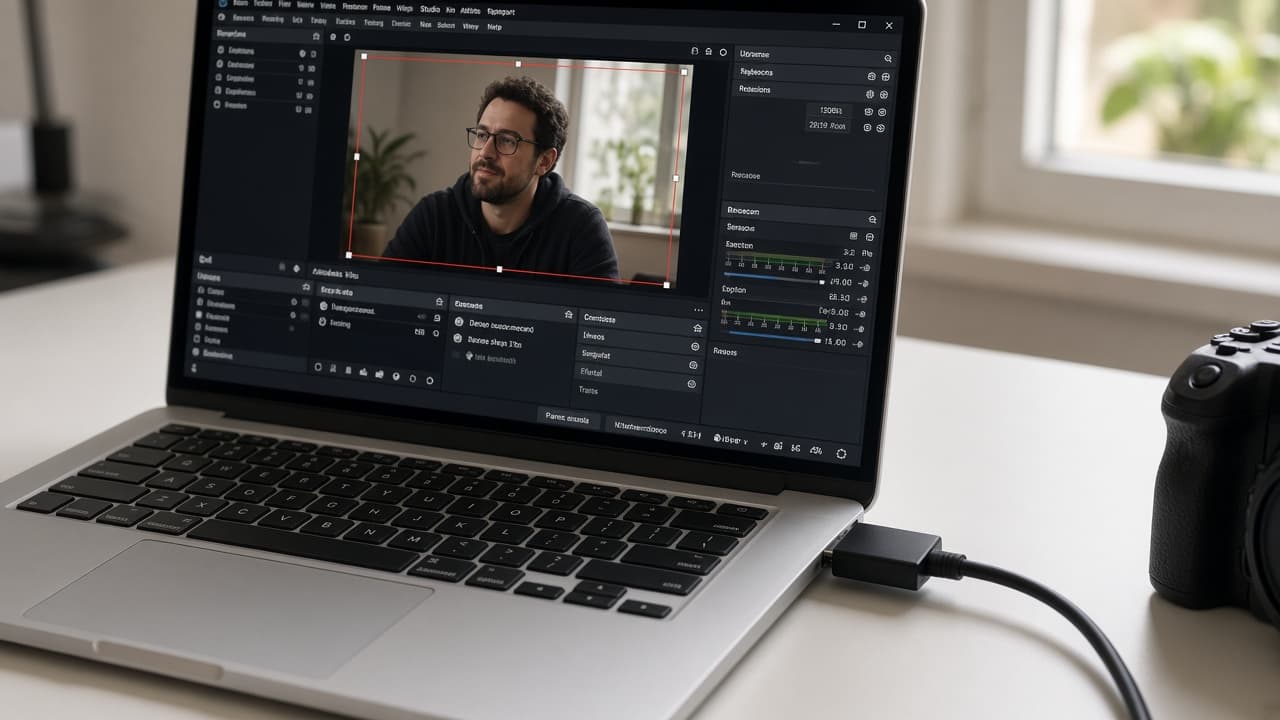
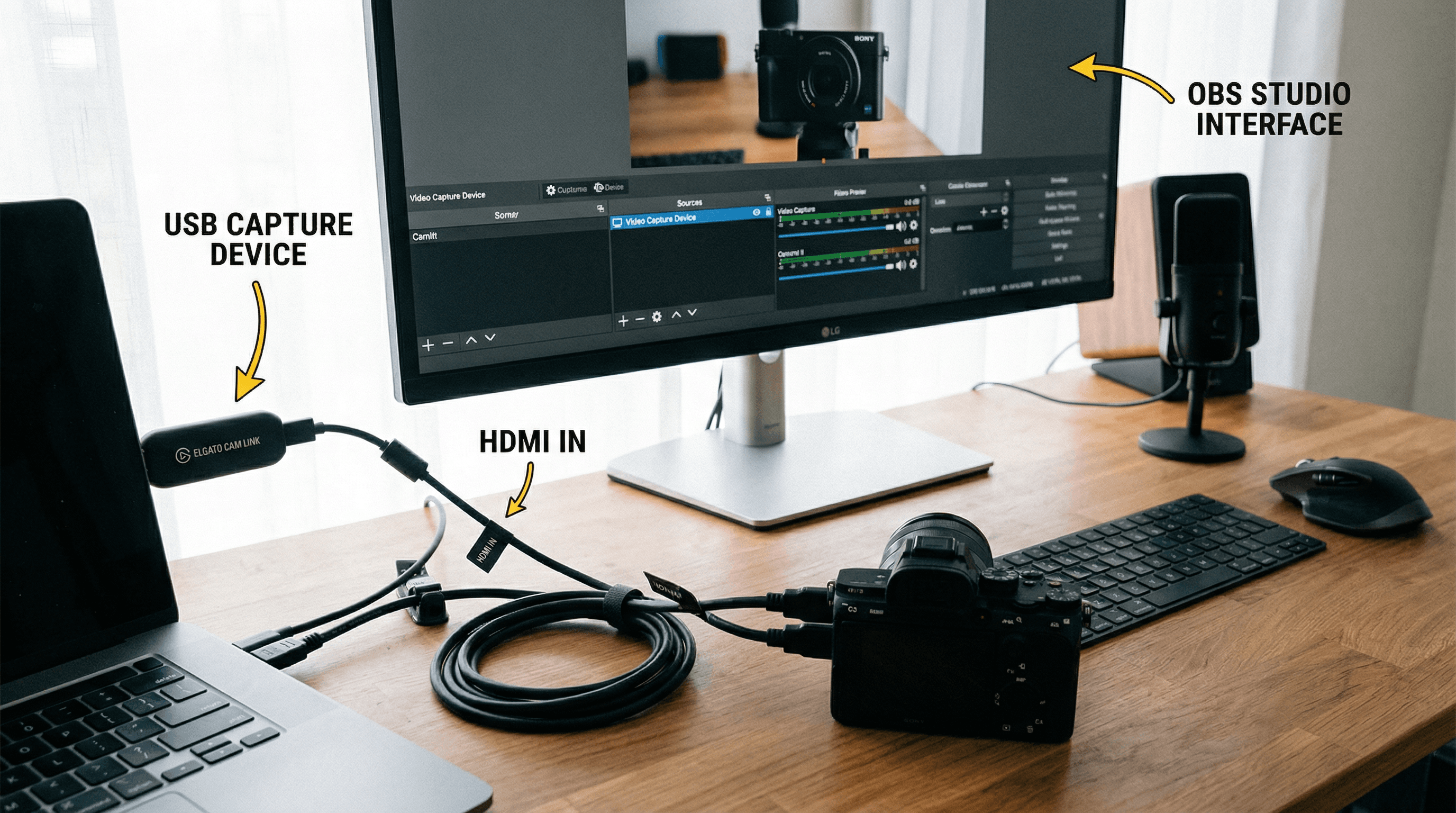
In OBS Studio, add a Video Capture Device source. Select the Magewell device from the Device dropdown. Set:
- Resolution: Match your source resolution (e.g. 3840x2160 for 4K input)
- FPS: Set to match your camera output (30fps for 4Kp30, 60fps for 4Kp60 on PCIe)
- Video Format: For Magewell USB devices, MJPEG is recommended for 4K over USB. NV12 or I420 for PCIe Pro Capture.
- Use Buffering: Leave at default unless you see dropped frames.
OBS Canvas and Output Settings
Set your OBS Base (Canvas) Resolution to 3840x2160 if you are recording in 4K natively. For streaming, most platforms cap at 1080p so set Output (Scaled) Resolution to 1920x1080 and use Lanczos rescaling for the best quality downscale.
For recording in 4K, use NVENC H.265 (HEVC) on Nvidia GPUs or AMD VCE HEVC on AMD hardware. CQP mode at quality 22-26 for archive quality. Check storage speed: 4Kp60 HEVC recording needs a fast NVMe SSD, not an HDD.
PC Requirements
Magewell's FPGA does the heavy lifting for signal processing, so CPU load from capture itself is low. The demanding part is 4K encoding. For streaming at 1080p with a 4K capture source, a mid-range GPU with hardware encoding handles this comfortably. For recording in 4K, a fast GPU and NVMe storage are important.
Use USB 3.0 ports for USB capture devices, preferably on dedicated root hubs. If OBS shows dropped frames in capture, move the device to a different USB controller (check Device Manager).
UK Stock
StreamKit stocks the full Magewell 4K capture range: USB devices for portable setups and PCIe cards for permanent installations. All come with 3-year warranty, free mainland UK delivery, and UK technical support. Browse 4K Magewell products or contact us to confirm which model matches your source.